FREE CCNA LABS

Start practicing CCNA.
15 labs are free.

Build your networking foundations with 15 hands-on labs covering TCP/IP, Ethernet LANs, WANs, and IP routing. Create a free account and practice online at your own pace.

15 labs   ·   Guided workbooks   ·   EVE-NG files   ·   Online access

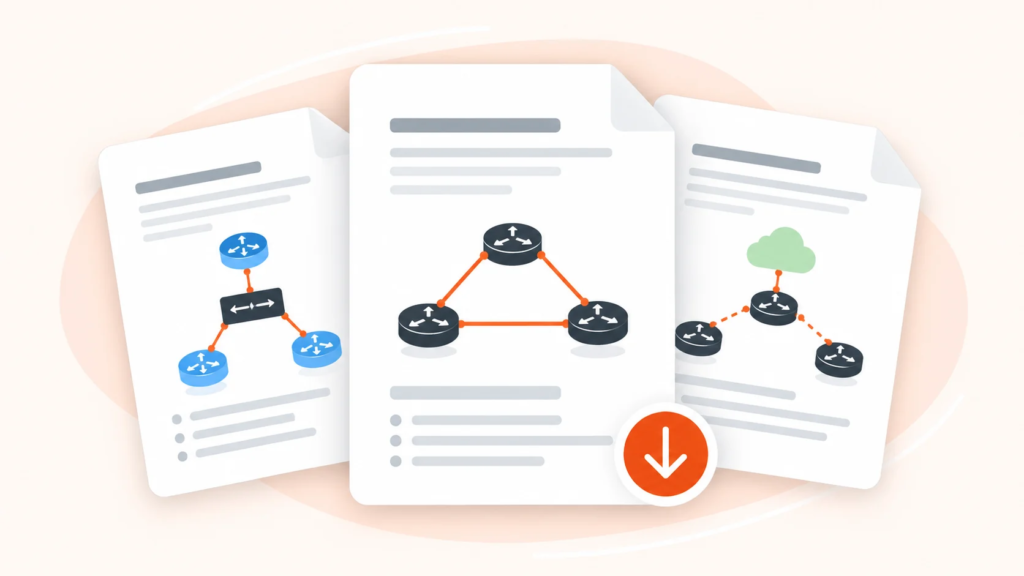
CCNA lab worksheets showing router and network topology diagrams
FREE ONLINE ACCESS

Your first 15 CCNA labs.

Create a free account to open the CCNA learning path, access the labs and download the files you need.

Free access to the first 15 labs. Continue online in your CCNA learning path.

YOUR FREE CCNA START

Everything you need for the first labs.

OVA
01 / YOUR LAB ENVIRONMENT

A ready-to-import EVE-NG OVA.

Set up the prepared virtual machine, then open your CCNA labs in EVE-NG.

02 / YOUR LAB FILES

Lab files ready to import.

Open the free CCNA lab ZIP files in EVE-NG and follow each exercise.

EVE-NG
03 / YOUR GUIDES

Workbooks and setup videos.

Read the step-by-step lab instructions and use the installation and import videos when you need them.

HOW ONLINE ACCESS WORKS

From sign-up to your first CCNA lab.

Create a free Dynamips account, open your CCNA learning path, and start the first 15 labs online. The OVA, lab files, setup videos and workbooks are available there.

VMware

Create your account

Use the free sign-up form to get access to Dynamips.

EVE-NG

Open the CCNA path

After sign-up, continue to your CCNA learning path.

Set up EVE-NG

Use the OVA and installation videos provided in the path.

OVA

Import a lab

Download a lab ZIP from the first CCNA topics and import it into EVE-NG.

Practice & verify

Follow the workbook, complete the tasks and track your progress online.

15 FREE HANDS-ON LABS

Choose your first CCNA lab.

Practice TCP/IP, Ethernet LANs and WAN/IP routing with these 15 included labs. Your progress stays in the online learning path.

01

Simple LAN Communication Test

02

Simple HTTP Data Transfer Over TCP/IP

03

Data Encapsulation and De-encapsulation in TCP/IP with Packet Analysis

04

Encapsulation Process in TCP/IP

05

SOHO Ethernet LAN Design and Implementation

06

Multi-Floor Enterprise LAN Design and Implementation

07

Configuring a Leased-Line WAN Between Two Routers

08

Comparing HDLC and PPP Encapsulation on WAN Links

09

Simulating Ethernet WAN Link Between Two Sites

10

Understanding Logical IP Routing Decisions in a Multi-Router Network

11

Network Layer and Data-Link Layer Encapsulation

12

Understanding Dynamic Routing Protocols in a Multi-Router Network

13

Simulating DNS Name Resolution in a TCP/IP Network

14

Exploring Address Resolution Protocol (ARP) in a Local Network

15

Testing IP Connectivity with ICMP (Ping)