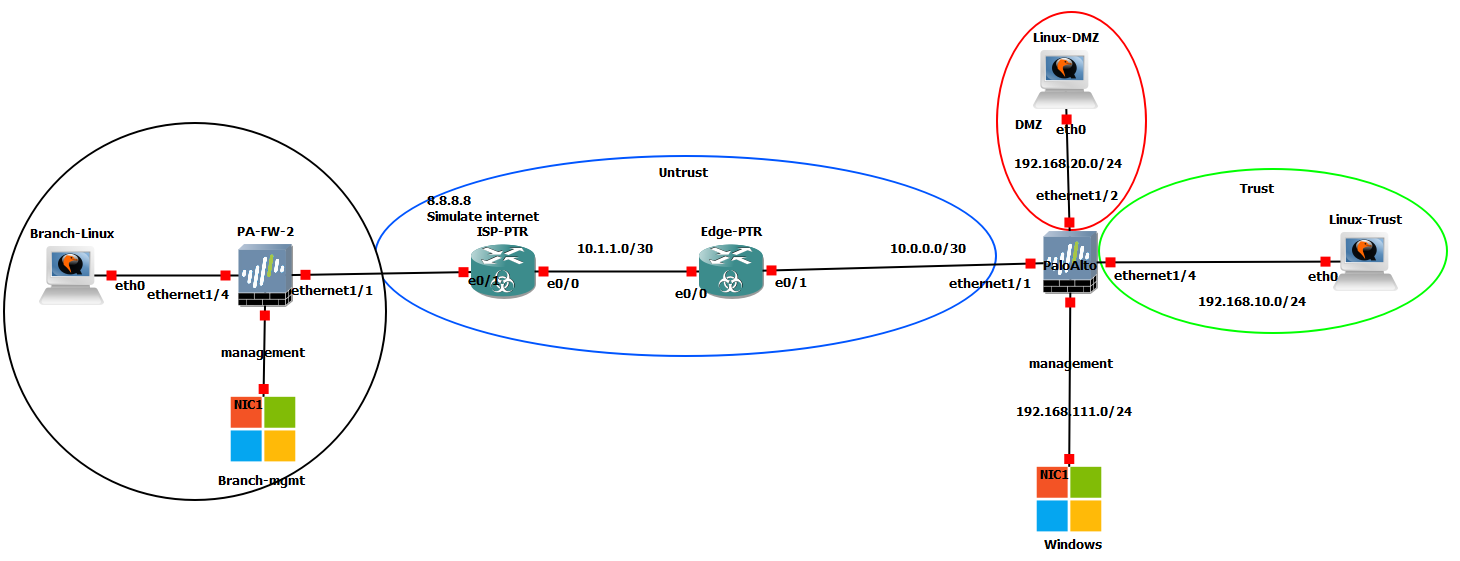

Quick Links
A ready-to-run GNS3 lab environment with 48 pre-installed images.
74 guided scenarios, and step-by-step workbooksو so you can start practicing immediately, not spend hours on setup.
Start practicing CCNA, CCNP, switching, Palo Alto, and CCIE Data Center labs today.
One-Time Payment • Ready-made OVA • Instant download after checkout • Support included
The GNS3 Full Pack gives you a ready-to-run lab environment, so you can start practicing immediately instead of spending hours finding compatible images and building topologies from scratch.
Practice with Cisco Routing & Switching, Fortinet, Cisco ISE, Firepower, Juniper, and Palo Alto using pre-built labs and step-by-step workbooks designed for hands-on configuration, verification, and troubleshooting.

This company and product are the real deal. The support and help is outstanding. I would recommend this product to anyone studying networking in any form, from Cisco to Juniper. Thank you to the Dynamips team for your great work, full support and fantastically affordable products.
- Michael G P Boughton
Open the environment, choose a lab, and start practicing without hunting for images or building topologies from scratch.
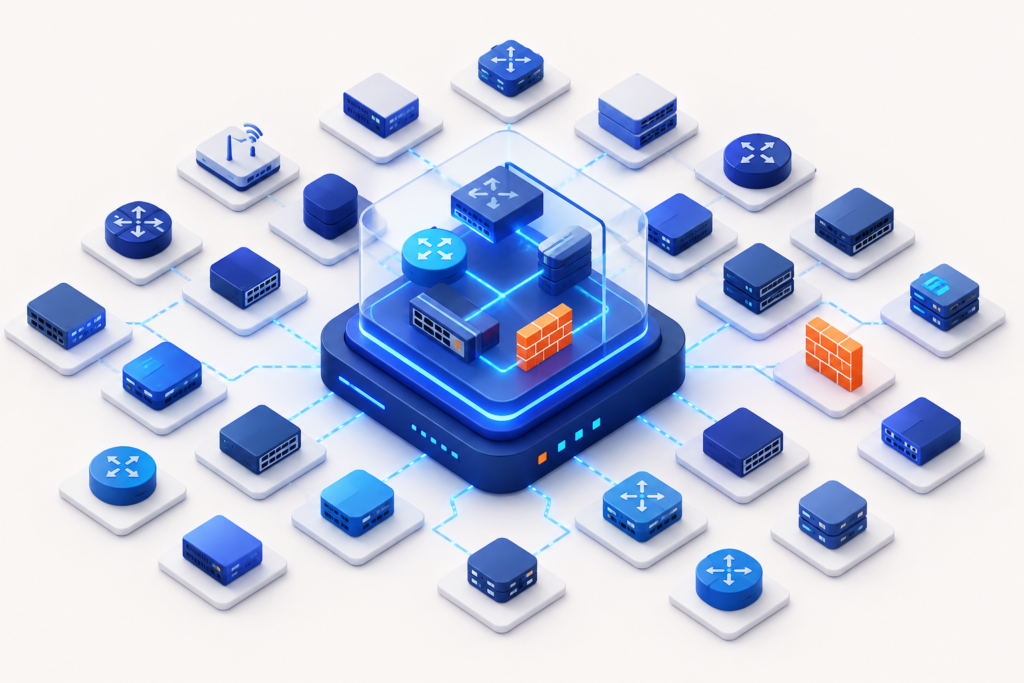
Cisco Router & Switches, Fortinet, Juniper, Palo Alto, Cisco ISE, Firepower, and more integrated into one lab environment.
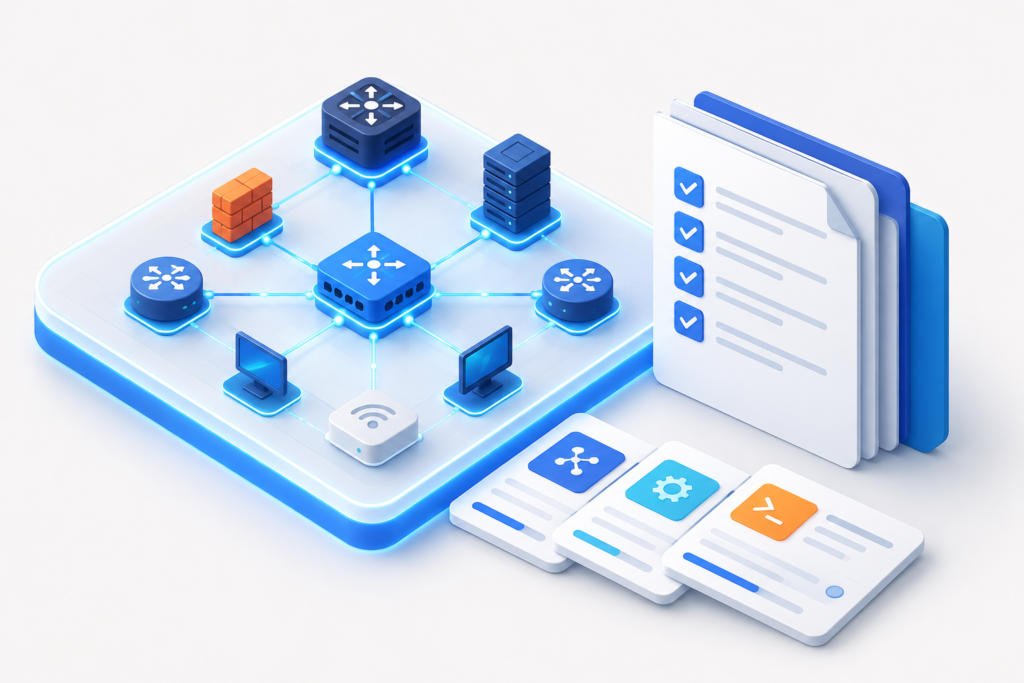
Pre-built labs and step-by-step workbooks for CCNA, CCNP, Switching, Security, and CCIE Data Center practice.
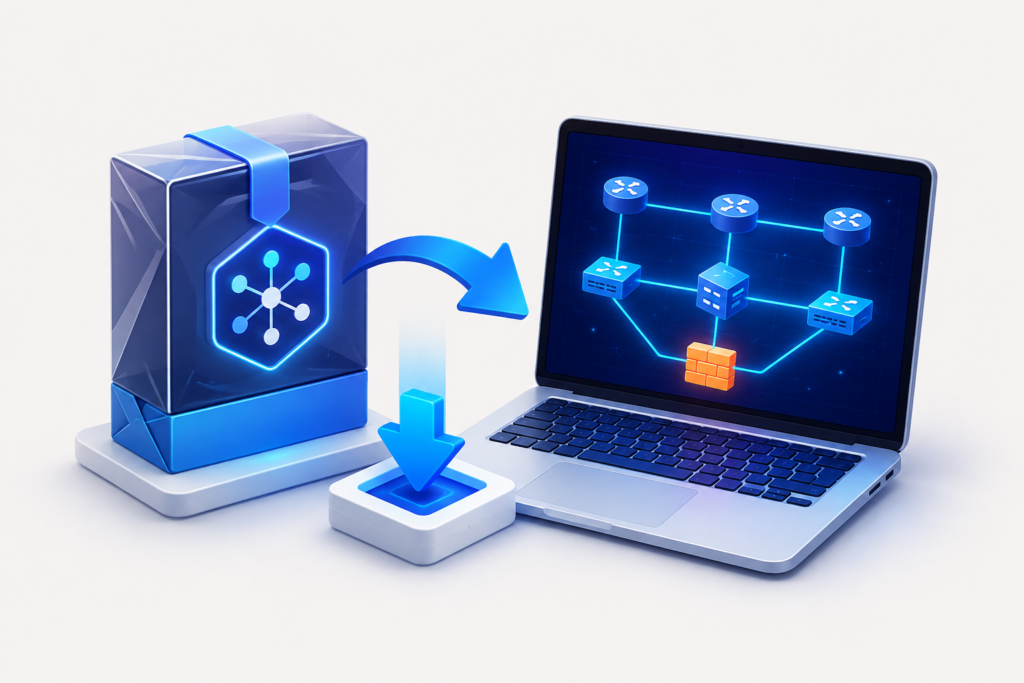
Import the OVA, open a lab, and start practicing faster without manually uploading images or building topologies.
CCNA Labs
From Zero to Full Hands-On Mastery
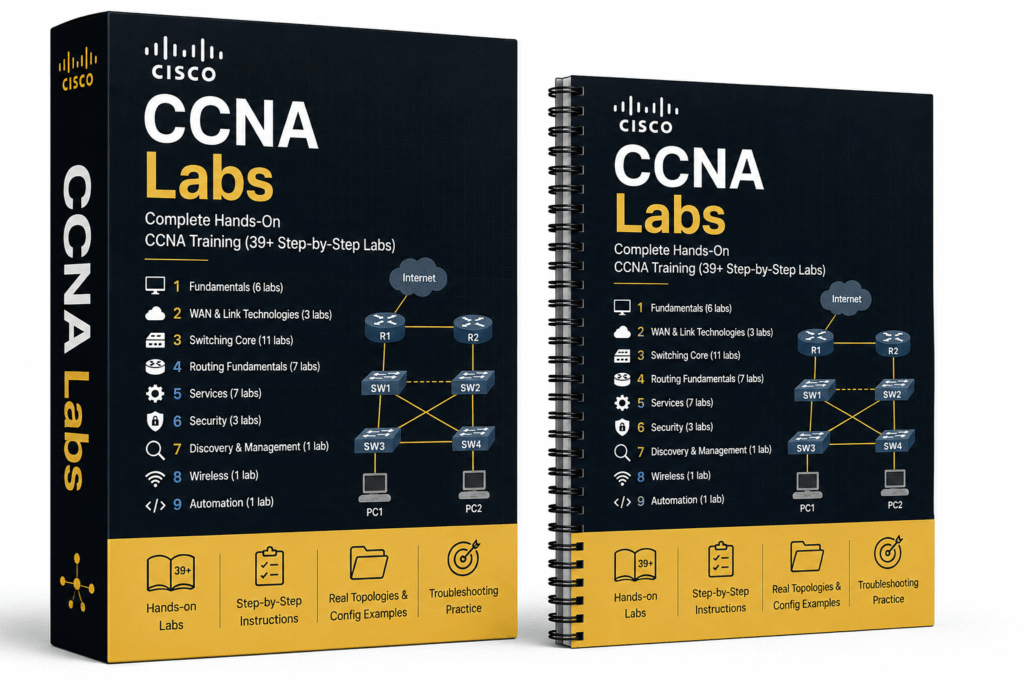
These 39+ mission-based workbooks take you from basic networking fundamentals all the way to full CCNA-level mastery in switching, routing, WAN technologies, security, services, wireless, and automation.
You get all of these labs:
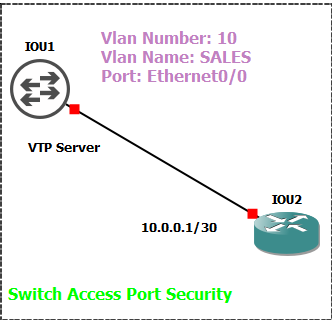
Every lab includes clear objectives, real topologies, step-by-step configuration, verification commands, and troubleshooting practice.
RESULT:
Full CCNA-level hands-on mastery — from basic networking all the way to advanced enterprise skills.
Modern Switching Mastery Labs
Understand What's Really Happening Under the Hood
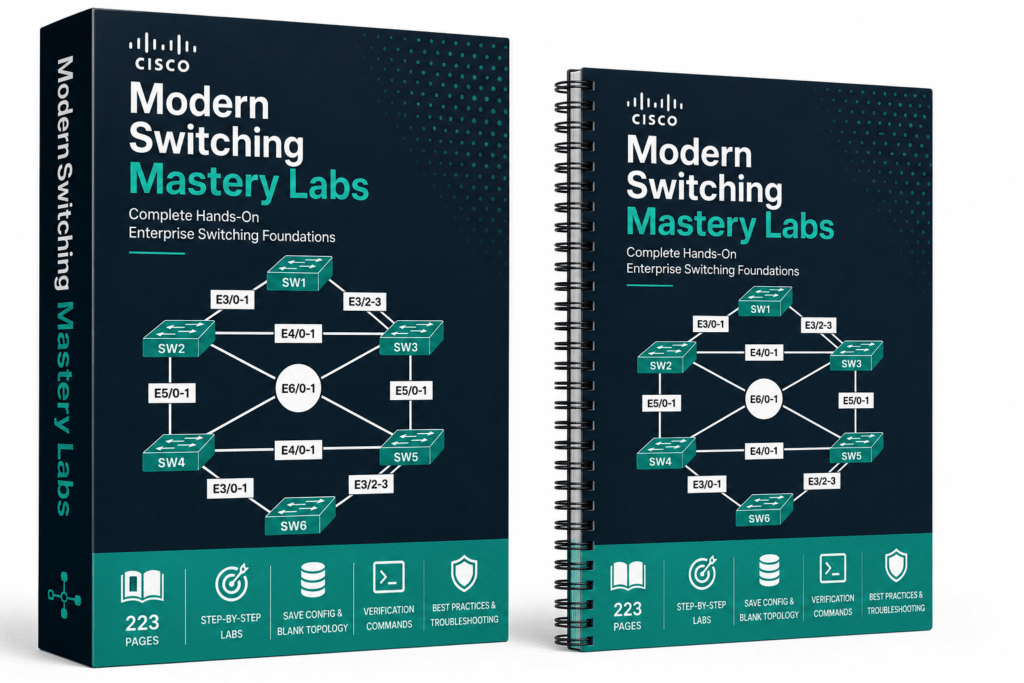
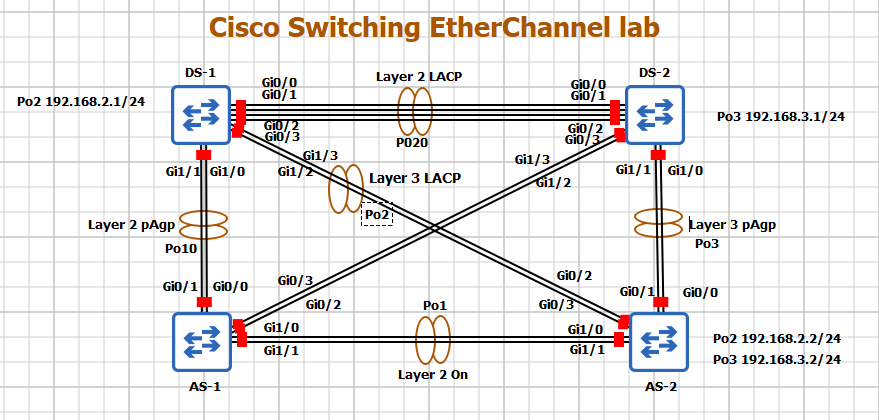
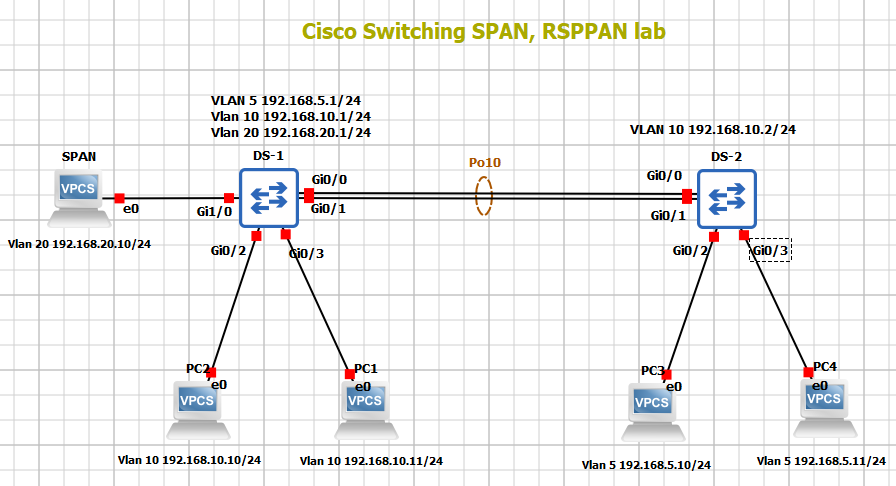
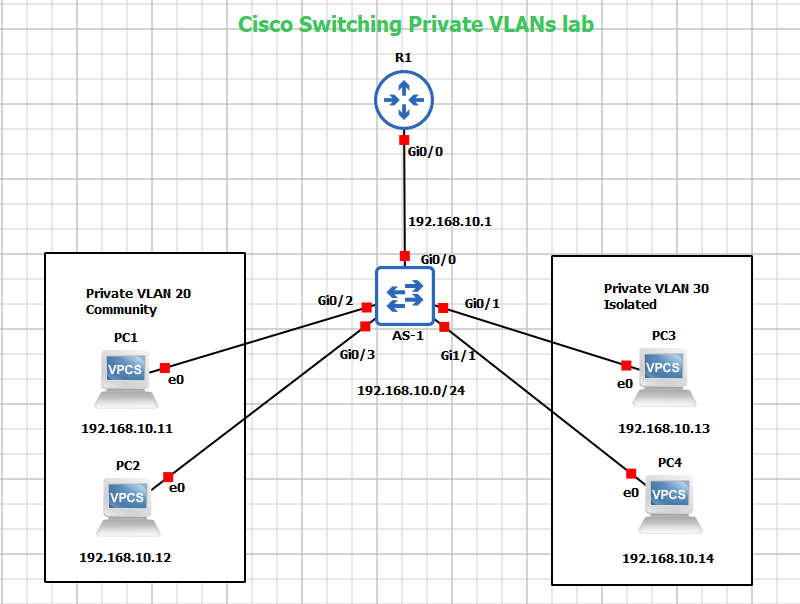
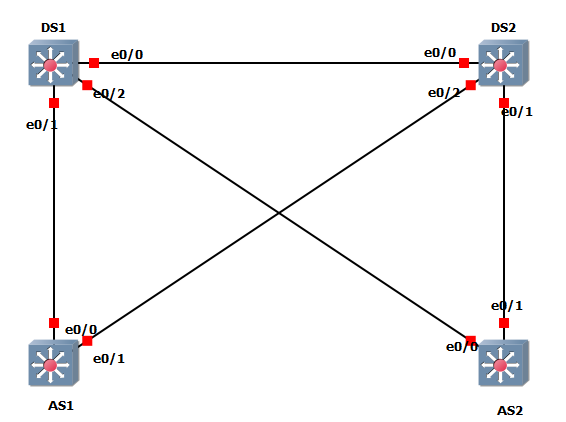
These full 223-page mission-based guided workbooks take you from basic trunk configuration and VTP all the way to advanced modern switching concepts used in real enterprise networks.
You get all of these labs:
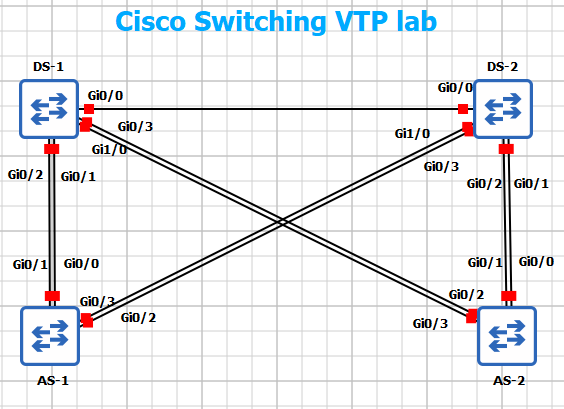
Every lab includes clear objectives, real topologies, Save Config and Blank Topology versions, detailed configuration tasks, verification commands, best practices, and troubleshooting scenarios.
RESULT:
Real-world switching mastery, you don’t just configure switches, you truly understand how modern enterprise Layer 2 networks behave under the hood.
Cisco Spanning Tree Mastery Labs
Stop Guessing, Start Controlling Layer 2
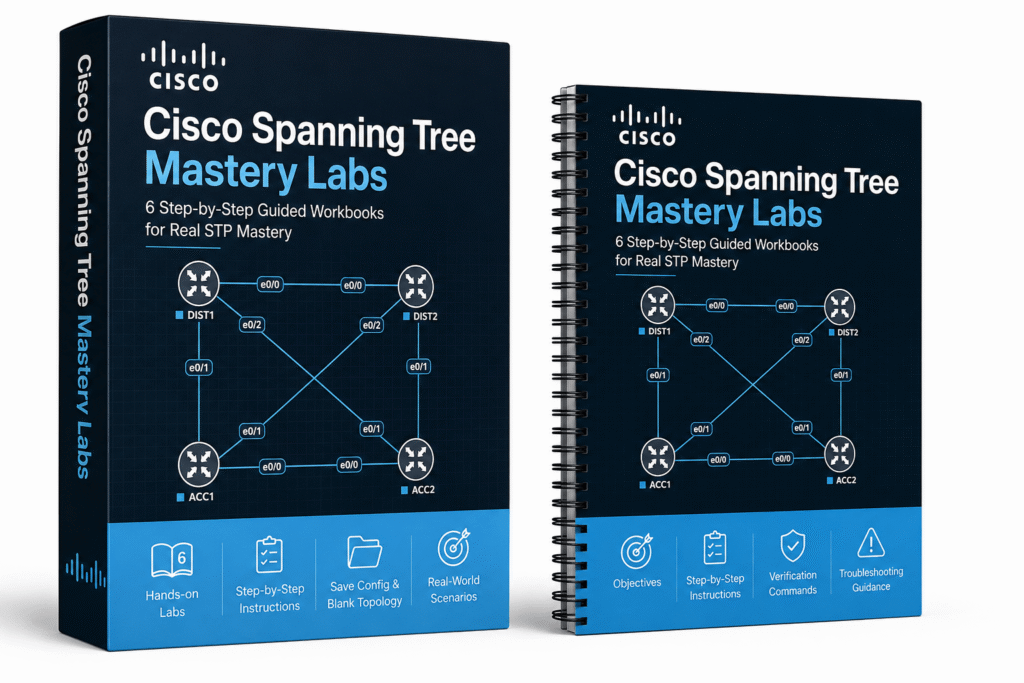
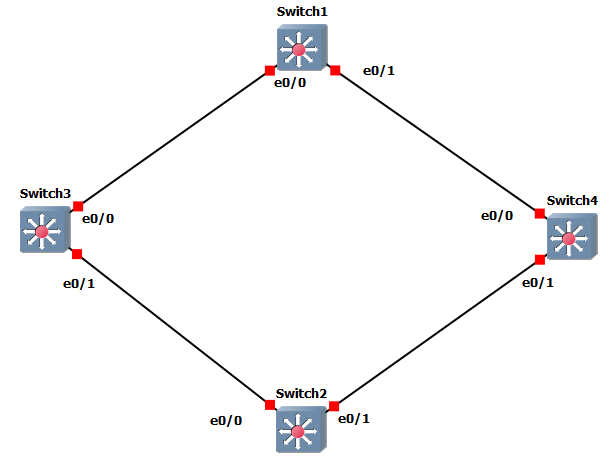
These 6 mission-based workbooks take you from basic STP fundamentals all the way to advanced enterprise troubleshooting and load balancing with Rapid-PVST and MST.
You get all of these labs:
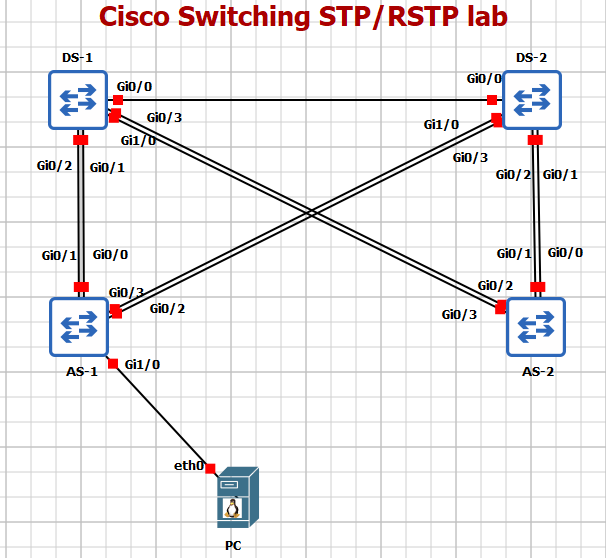
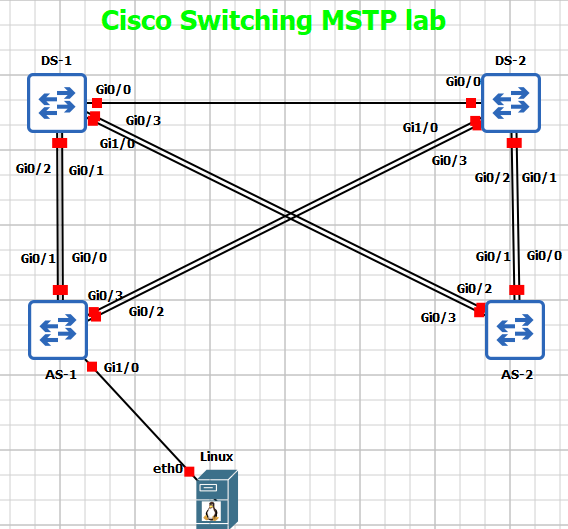
Every workbook includes clear objectives, verification commands, topology diagrams, and both Save Config and Blank Topology versions.
RESULT:
You don’t just configure STP, you deeply understand how it behaves in real networks, how to control it, troubleshoot failures, and design load-balanced Layer 2 environments like a professional.
PaloAlto Firewall Labs
15 Labs That Build Real Firewall Confidence
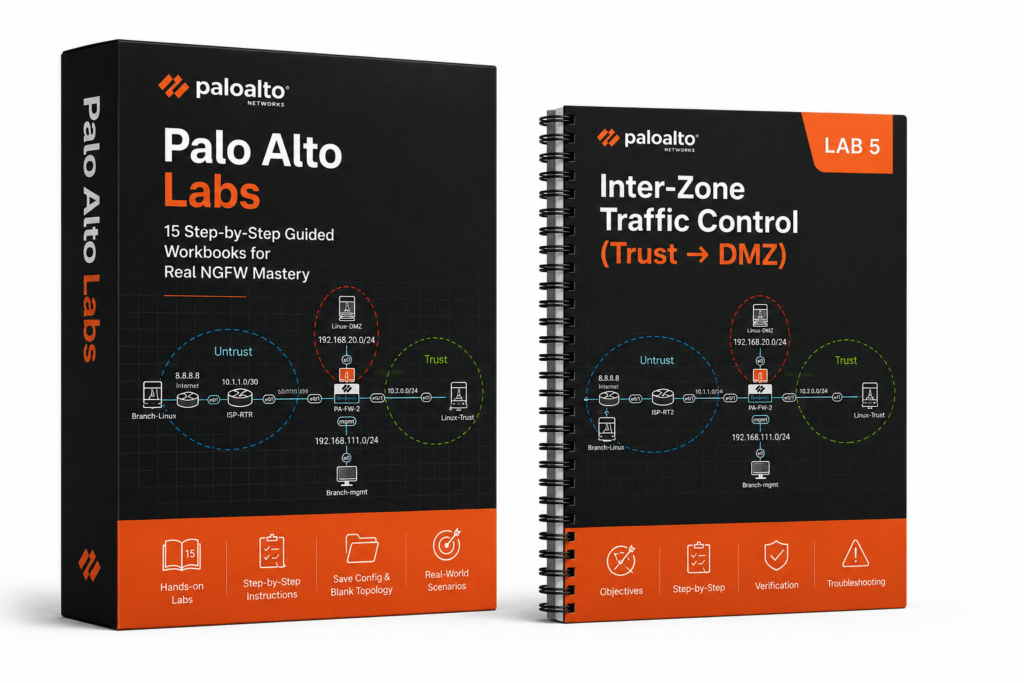
From basic setup to advanced security scenarios, these 15 mission-based workbooks give you exactly the hands-on practice real engineers need in production.
You get all of these labs:
Every workbook includes clear objectives, verification steps, troubleshooting, and both Save Config and Blank Topology versions.
RESULT:
You don’t just configure PaloAlto, you learn how it actually behaves, how to troubleshoot it, and how to make confident decisions in real enterprise environments.
5 CCIE Datacenter Labs
VXLAN, EVPN, and Nexus — Already Built. Just Run It.
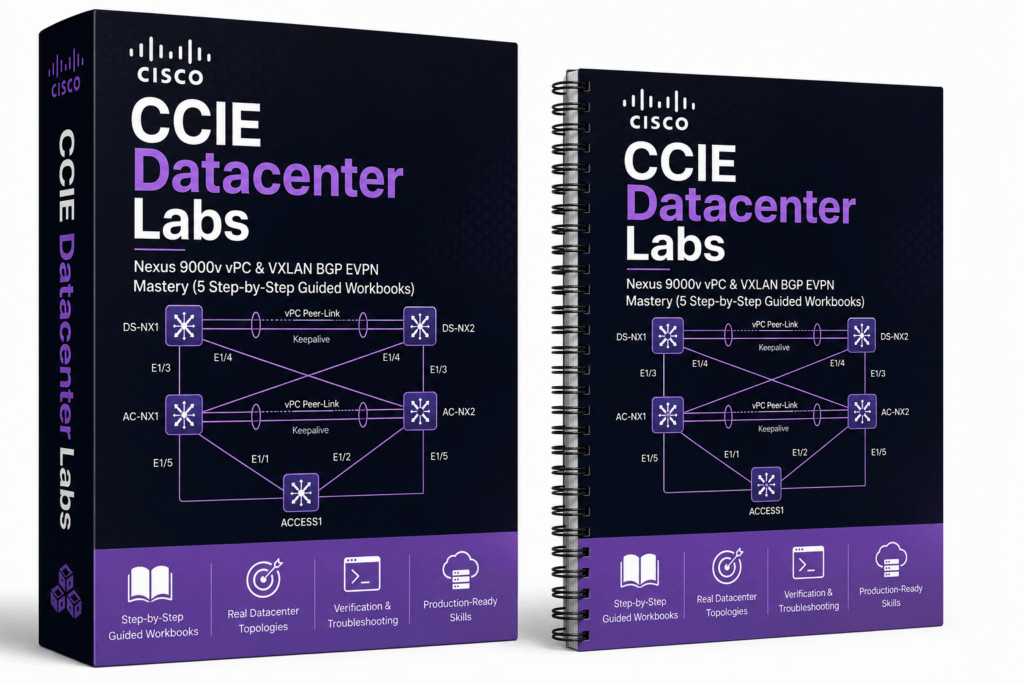
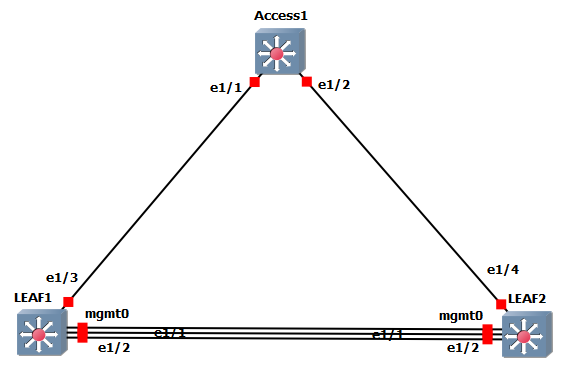
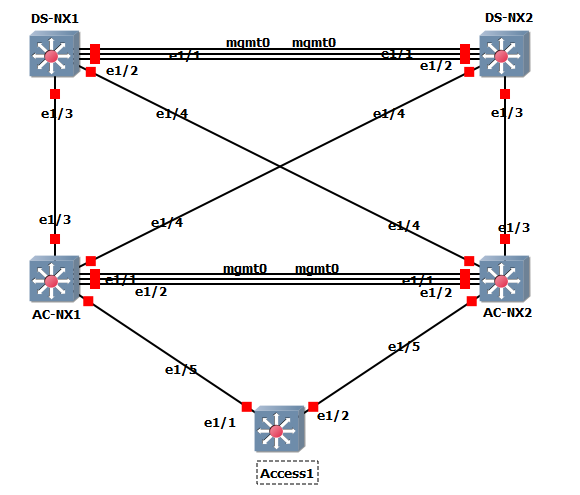
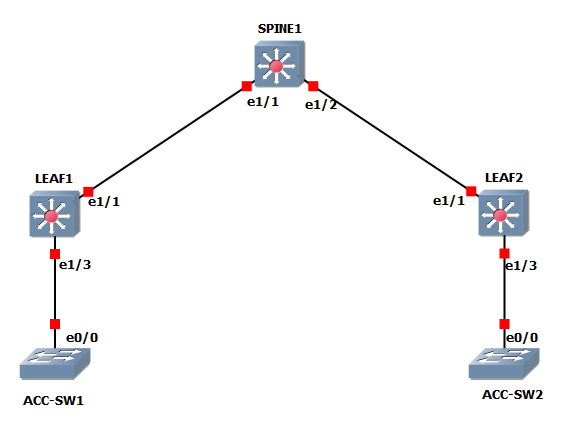
These 5 mission-based workbooks take you from core vPC fundamentals to advanced Data Center labs featuring modern Leaf-Spine architectures, multi-tier designs, and complete VXLAN BGP EVPN fabric deployments with Anycast Gateway and L3VNI services.
You get all of these labs:
Cisco Nexus 9000v vPC
Cisco Nexus 9000v VXLAN BGP EVPN
Every workbook includes clear objectives, exact GNS3 cabling, step-by-step configuration, verification commands, troubleshooting, and Save Config versions.
RESULT:
Real CCIE Datacenter-level hands-on mastery of Nexus 9000v vPC and modern VXLAN BGP EVPN fabrics, exactly what you need for production data center environments.
To get GNS3 Full Pack, you have to follow these steps:

Click “Get the GNS3 Full Pack Now” to begin your purchase.

Enter your billing details and complete payment securely.

Receive your download link immediately after checkout and access your files anytime from your account.
The GNS3 Full Pack is designed for learners and professionals who need a practical enterprise lab environment without spending hours sourcing images and building topologies.
Included in the GNS3 Full Pack
Explore the complete collection of integrated network, security, routing, switching, and virtualization images included with the pack.
See the exact import and initial setup process before you purchase.

We are here to support you every step of the way. You’ll get Premium Support from a highly trained team of professionals who are ready to answer questions via email or live chat 24/7.
Have more questions?
If you’ve got any questions about the GNS3 Full Pack or need a hand with anything else, we’re just an email away.
The pack includes 48 enterprise network images, 74 guided scenarios and workbooks.
The images are intended for personal and educational lab use, so you should have no issues using them for learning, practice, and your own lab environment.
Yes. The scenarios are designed for hands-on practice across CCNA, CCNP, security, switching, and CCIE Data Center topics. It is a lab environment and practice resource, not an official certification course or exam simulator.
You receive access to the GNS3 Full Pack OVA, the included lab scenarios, step-by-step workbooks, and setup documentation. Your download link is available after checkout and through your account.
Yes. If you need help with importing the OVA, accessing your files, or getting started with the pack, contact us by email and include a screenshot or the exact error message where possible.
You need VMware Workstation and the GNS3 client on your computer. The pack is delivered as a ready-to-import OVA to reduce setup work; the included video shows the import and initial setup process.
Yes, the package includes the latest available version and can be upgraded easily at any time. We've already installed, organized, and optimized all the required images and labs, so there's no need to manually install images or build the lab topology from scratch. You can start learning immediately.
This pack is designed for CCNA, CCNP, and CCIE learners, network engineers building hands-on enterprise skills, security and data center practitioners, and IT professionals who need repeatable labs for testing and troubleshooting.
Not necessarily. Resource usage depends on the devices you run at the same time. Routing and switching labs need fewer resources than labs with multiple firewalls, security appliances, or large topologies.
Yes, you'll receive full access to the GNS3 Full Pack Virtual Machine (OVA), pre-built lab scenarios, detailed step-by-step workbooks, and comprehensive README guides covering installation, setup, and usage.
Yes. We update the GNS3 Full Pack when relevant improvements, fixes, or refreshed lab content are available. Updates are provided through your account at no extra cost for existing customers.
Because this is a digital product with immediate access to downloadable content, refunds are handled according to our Refund Policy. If you experience a technical issue accessing or using your purchase, contact us first and we will work to resolve it. Read our Refund Policy
These recommendations apply to the computer hosting the GNS3 VM. Actual resource usage depends on the devices running at the same time, especially firewalls and security appliances.
• Small labs (4–6 routers or switches): 8 GB RAM, 2 vCPUs, and 60 GB of free disk space.
• Medium labs (6–10 routers/switches, including a firewall): 16 GB RAM, 6 vCPUs, and 100 GB of free disk space.
• Large labs (up to 30–40 devices across Cisco routers, switches, ISE, NX-OS, Firepower, multi-vendor appliances, and more): 32–64 GB RAM, 14 vCPUs, and 150 GB of free disk space.
For the best experience, enable hardware virtualization in your BIOS/UEFI and leave additional CPU and RAM available for VMware Workstation and your host operating system.
We usually respond within 12 hours.
Take 15% off your GNS3 Full Pack order Today.
Please sign in or sign up below.
Please enter the 6 digit code we sent to .
Add a few details so we can personalize your experience.
Sign in with your email and password.
You can continue on this page.
By signing in, you agree to our Terms and Privacy Policy.