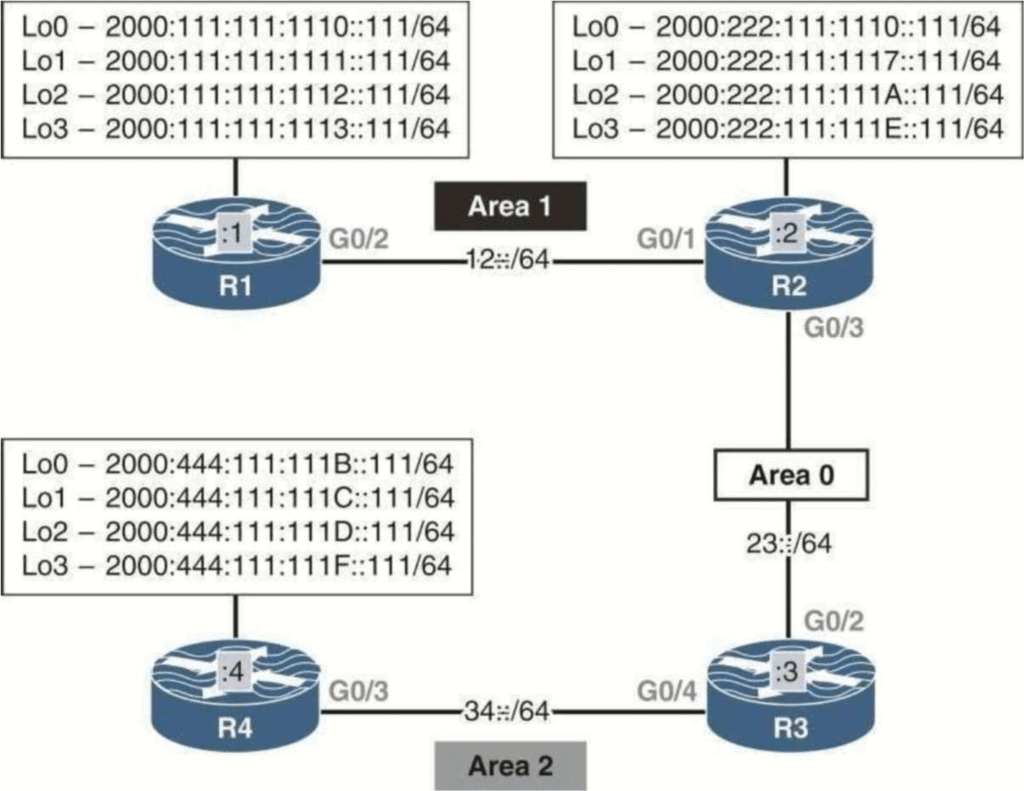
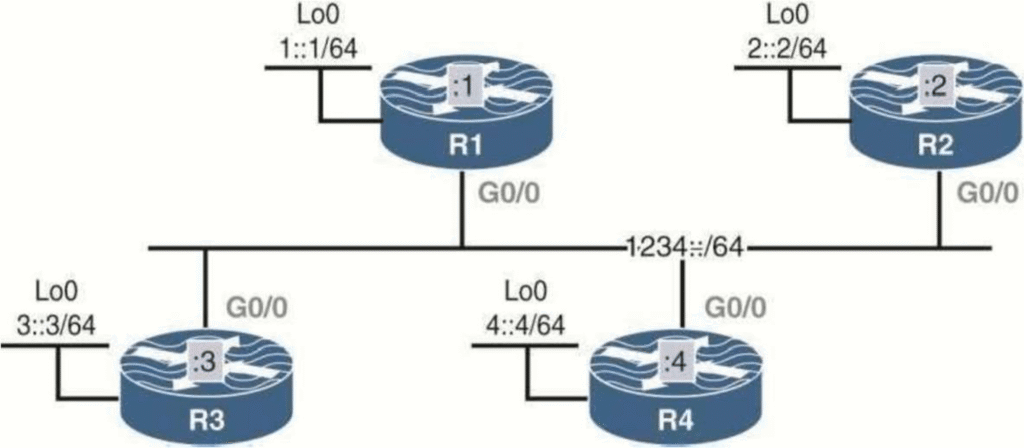
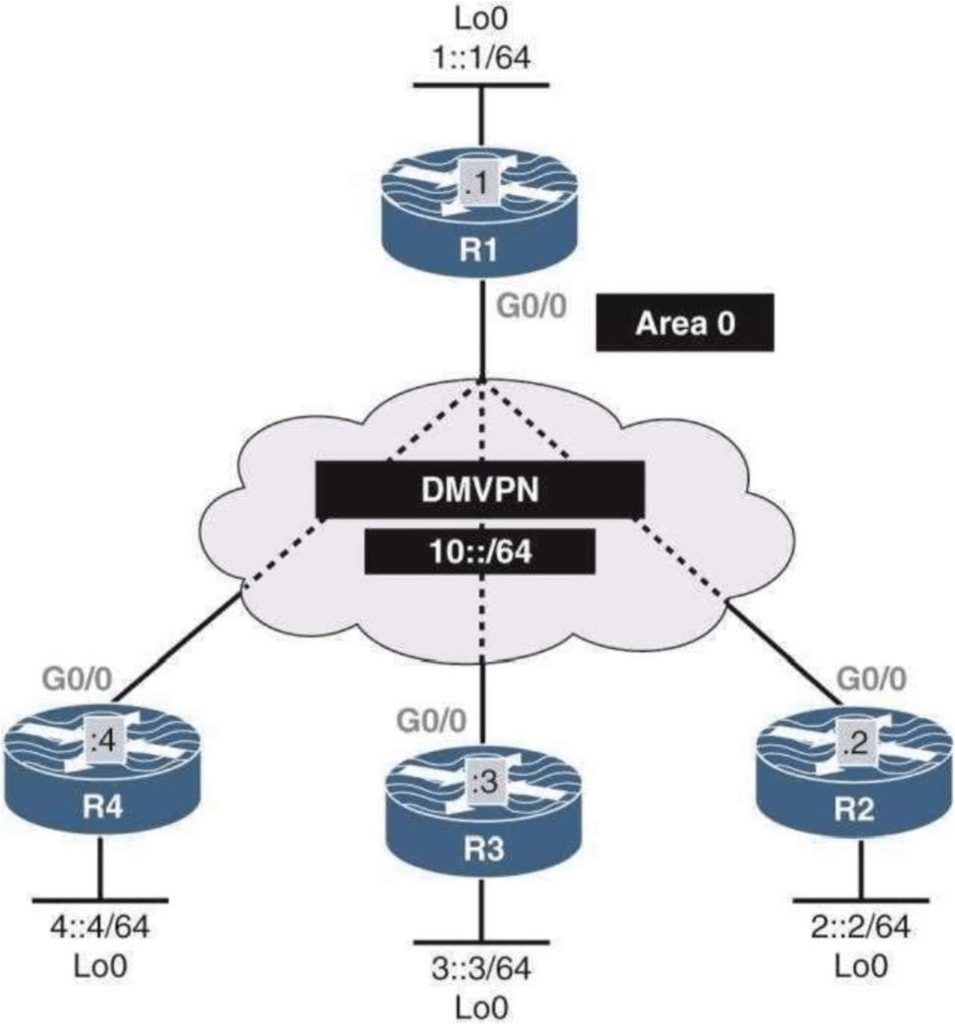
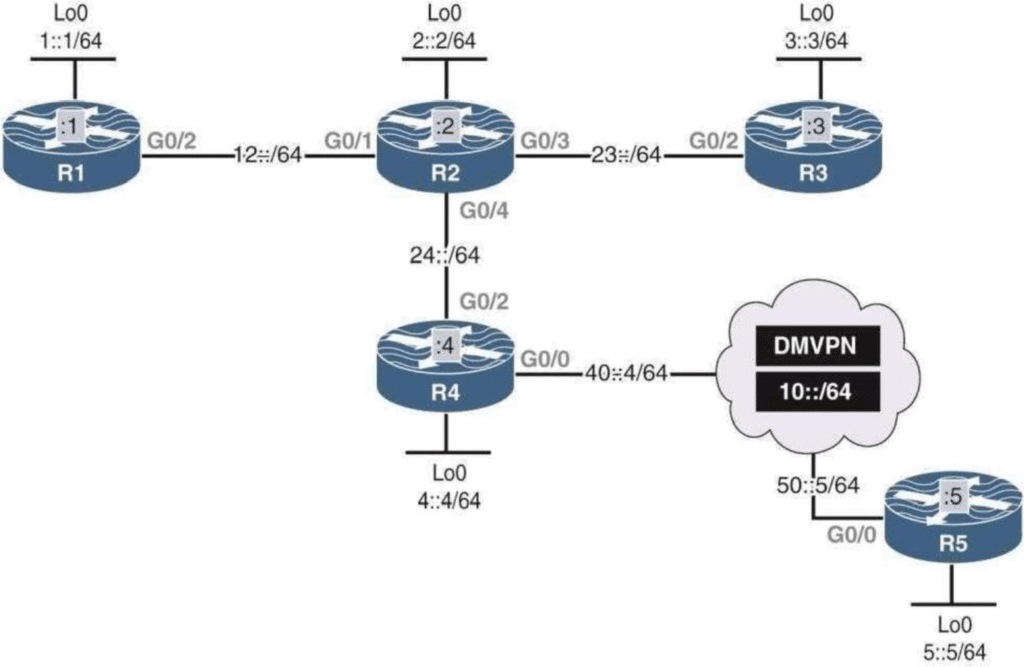
Loved by engineers who learn by doing

Build & troubleshoot
IPv6 with confidence

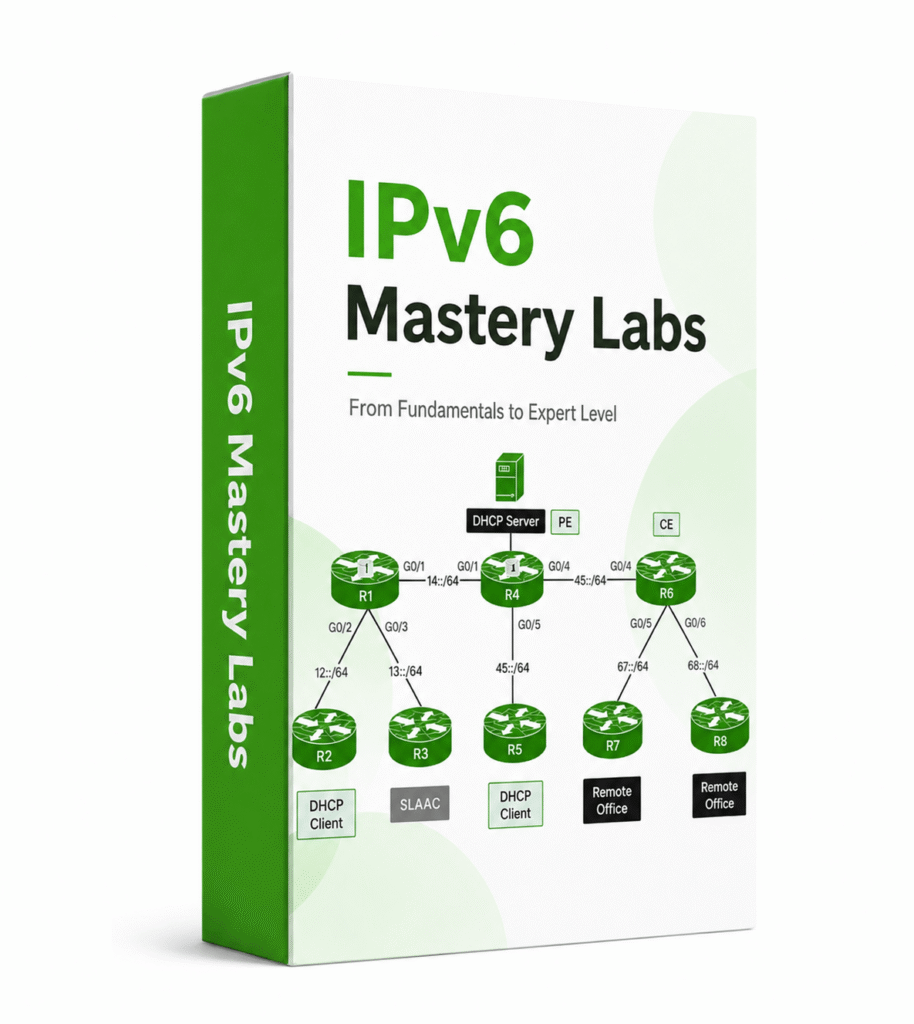
A focused practice system for network engineers. Build the topology, read the evidence and fix the failure across 14 real IPv6 scenarios.

WHAT YOU GET

Everything required
to start the next IPv6 lab

The lab files, workbooks, blank versions, and working configurations stay together.

01

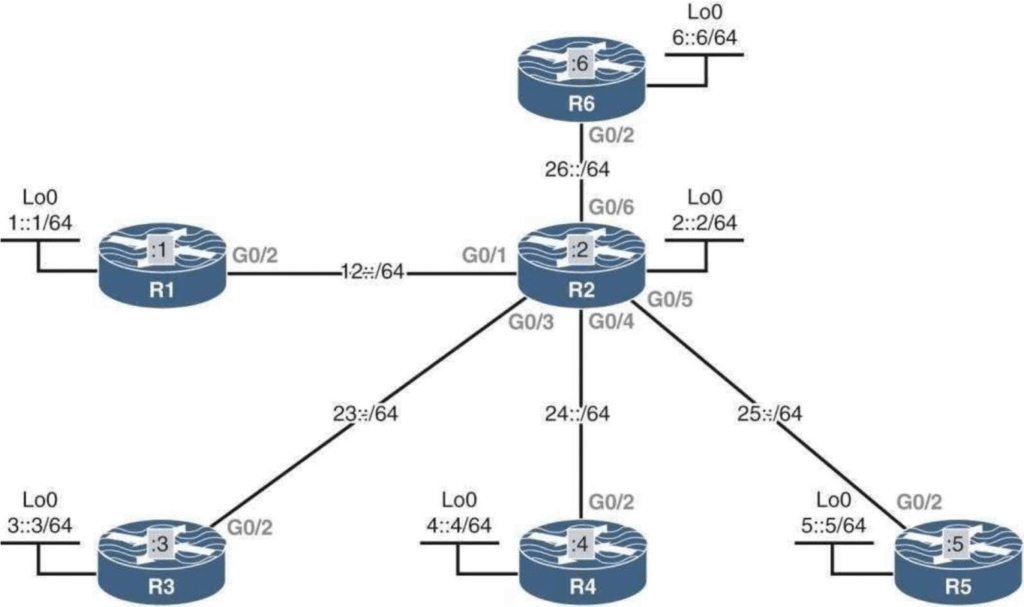
14 guided workbooks

Objectives, tasks, topology details, explanations, and verification output across all 14 labs.

02

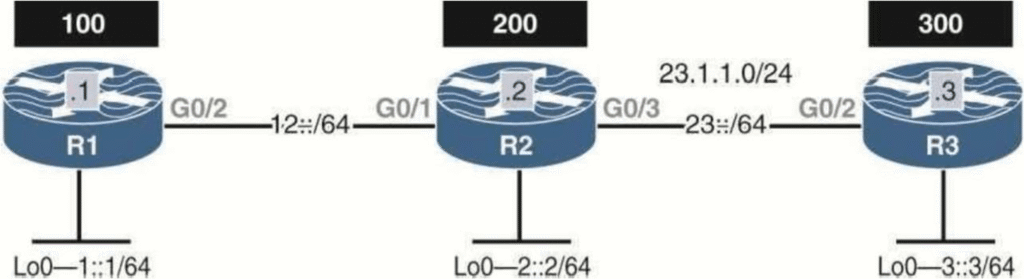
Prepared EVE-NG labs

Open the supplied scenario with the nodes and links already arranged for the task.

03

Blank Topologies

Return to a clean version after the guided run and rebuild the scenario from your own understanding.

04

Save Config files

Compare your work with a working configuration when an adjacency, route, or forwarding path is wrong.

THE 14 LABS

See exactly what you will configure

Each lab focuses on a defined behavior. Work through the objective, inspect the output, and rebuild the scenario until you can explain the result.

01

ADDRESSING

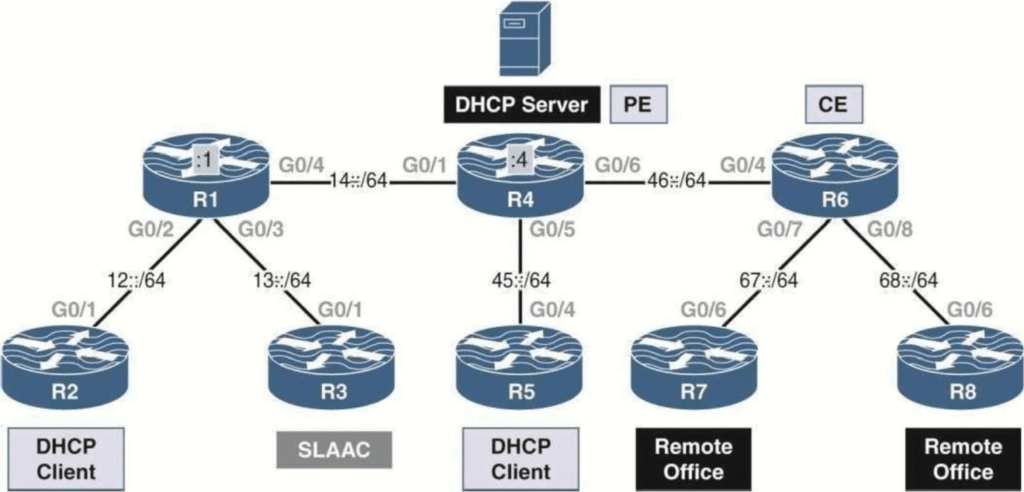
Acquiring an IPv6 Address

Use SLAAC, stateful and stateless DHCPv6, DHCPv6 relay, Rapid Commit, and prefix delegation.

SLAAC • DHCPv6 • Prefix delegation

02

DMVPN

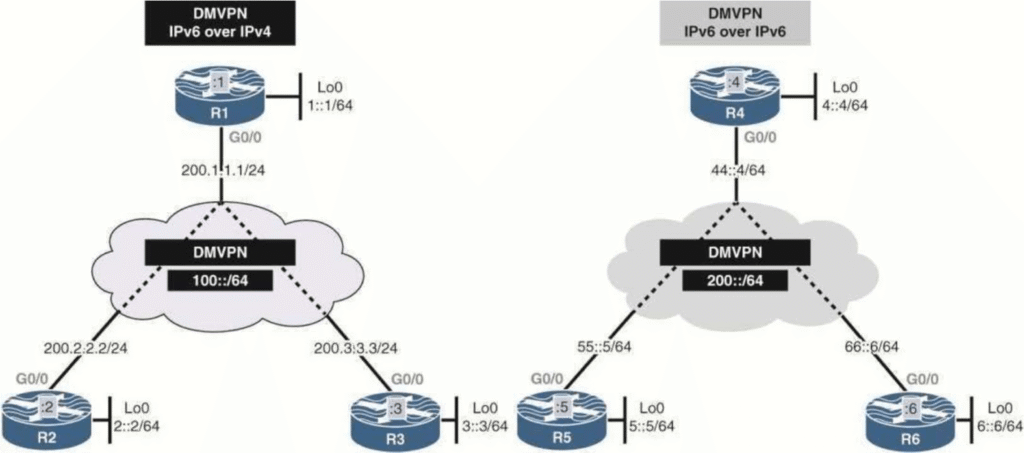
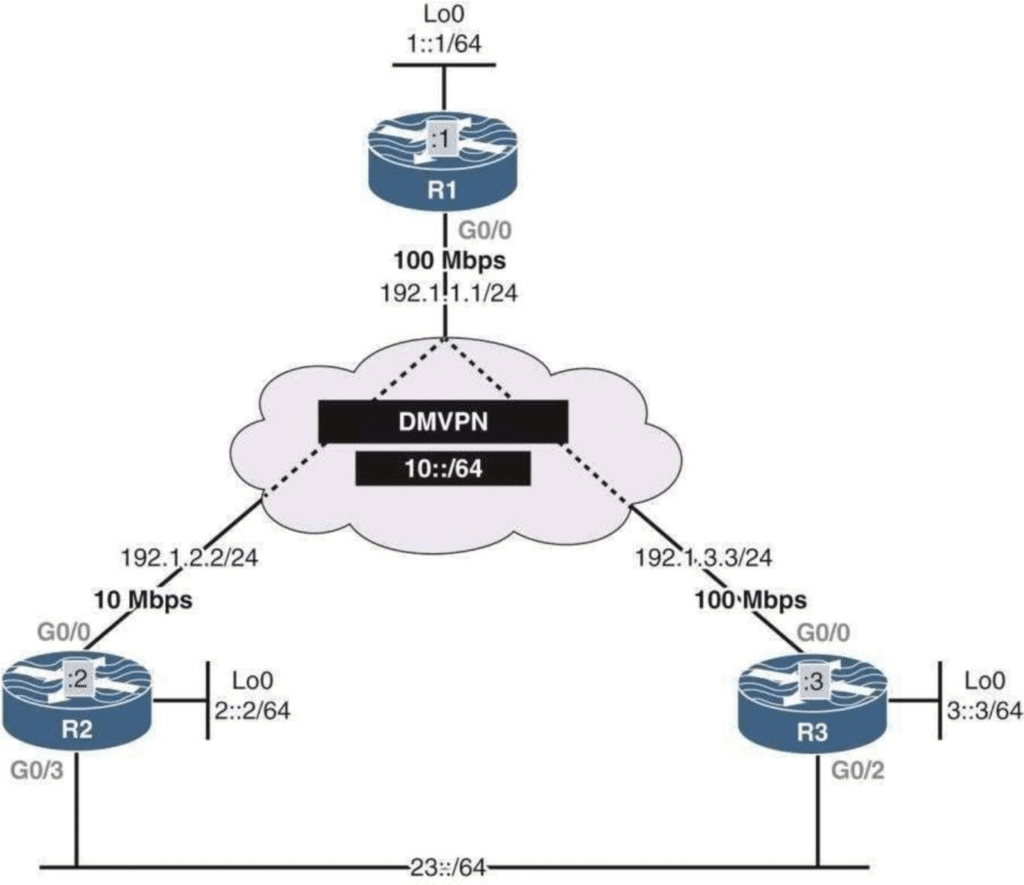
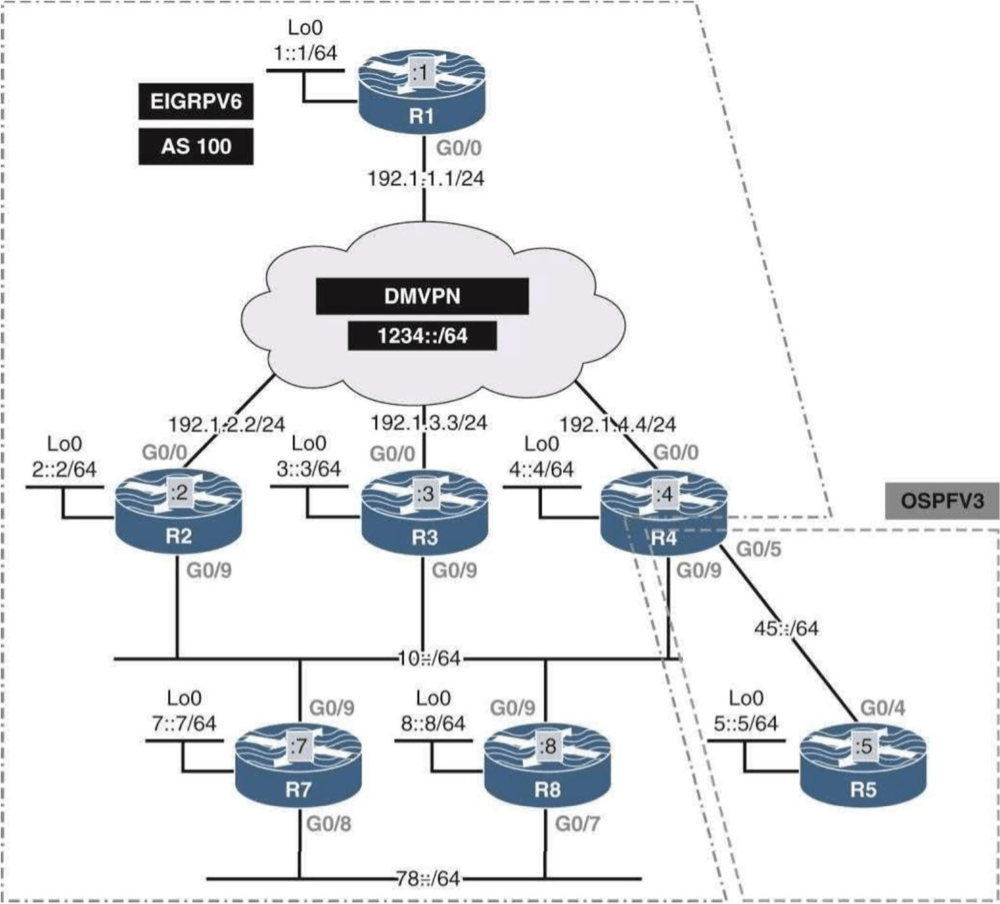
DMVPN and IPv6

Carry IPv6 across an IPv4 underlay, build IPv6-underlay DMVPN, and verify NHRP and OSPFv3 behavior.

IPv6 over IPv4 • NHRP • OSPFv3

03

OSPFV3

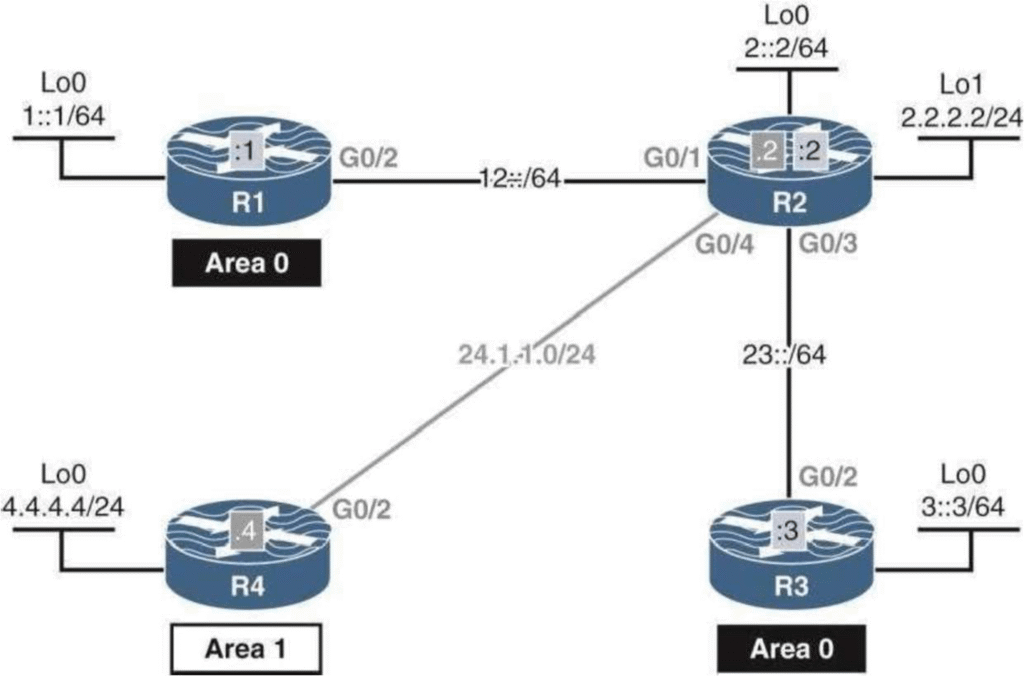
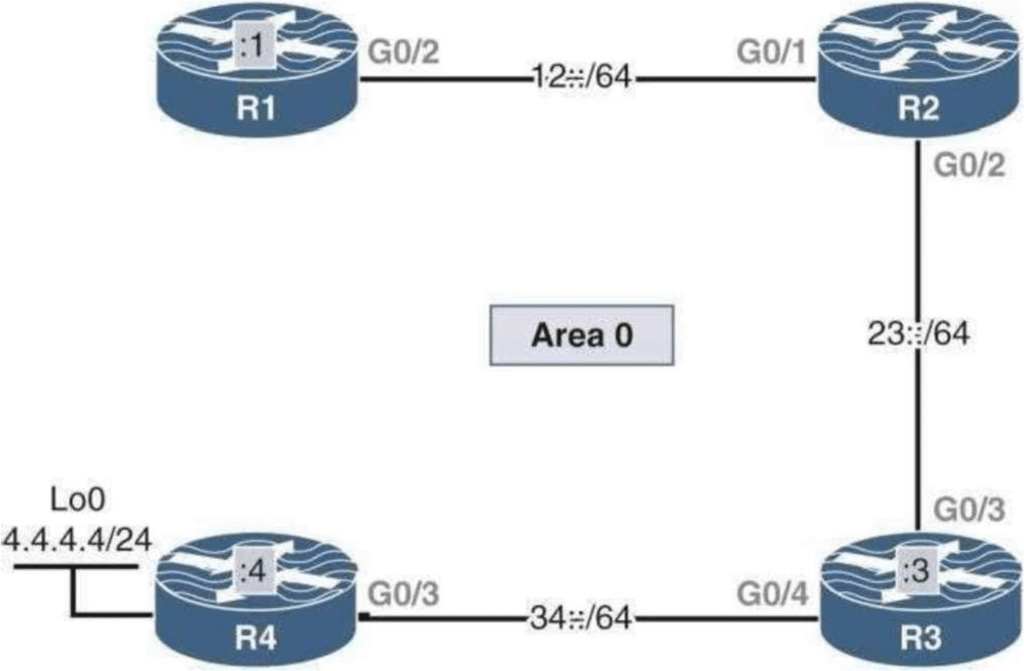
Configuring OSPFv3

Configure IPv4 and IPv6 routing with the traditional OSPFv3 method and the address-family method.

Router ID • Address family • Adjacency

04

OSPFV3

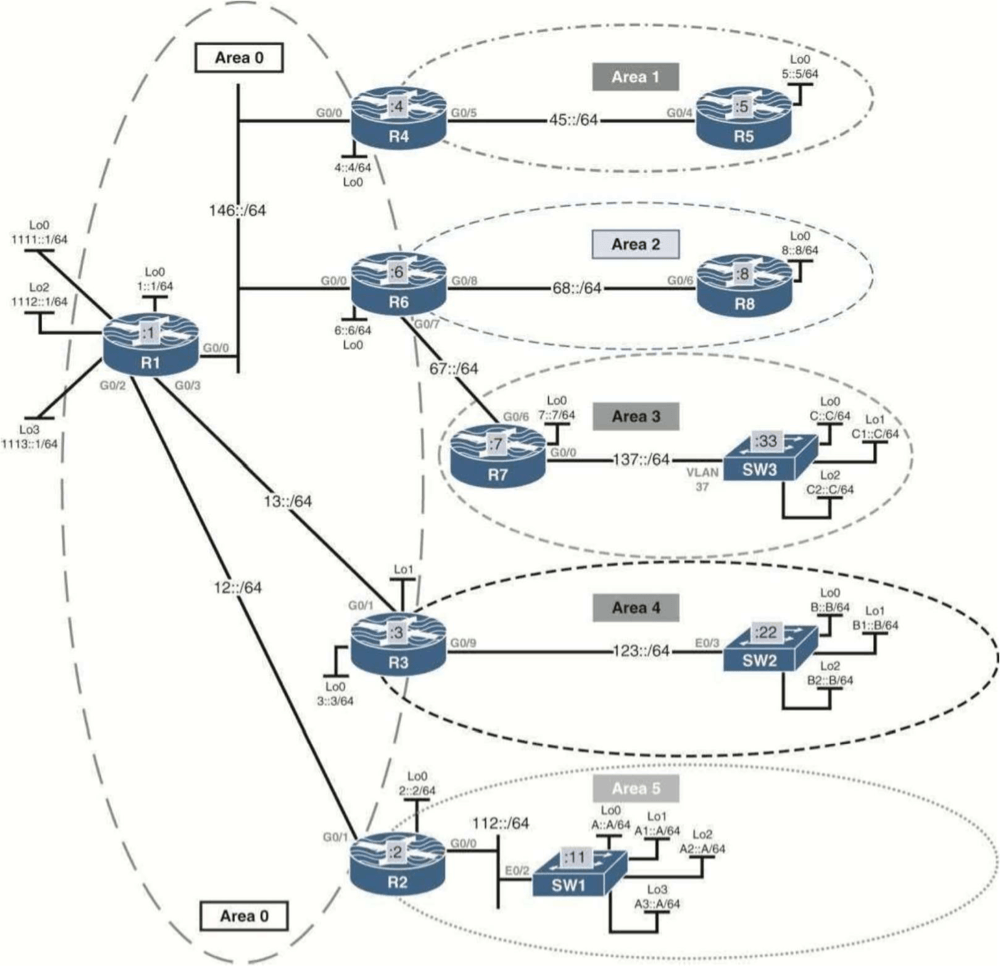
Internal and External Summarization

Summarize inter-area and redistributed routes at the correct ABR or ASBR and inspect discard-route behavior.

ABR • ASBR • Discard route

05

NETWORK TYPE

OSPFv3 Broadcast Networks

Work with DR and BDR elections on LAN and DMVPN segments and verify why election changes are not preemptive.

DR • BDR • Broadcast

06

NETWORK TYPE

OSPFv3 Non-Broadcast Networks

Build static OSPFv3 neighbors with link-local addresses and control DR election across hub-and-spoke DMVPN.

Static neighbors • Link-local • DMVPN

07

NETWORK TYPE

OSPFv3 Point-to-Point Networks

Run OSPFv3 without a DR or BDR and inspect link-local next hops in the IPv6 routing table.

Point-to-point • Next hop • LSAs

08

NETWORK TYPE

OSPFv3 Point-to-Multipoint Networks

Build hub-and-spoke adjacencies, add the required NHRP multicast behavior, and control path selection.

Point-to-multipoint • NHRP • Path

09

METRIC

OSPFv3 Cost and Auto-Cost

Change reference bandwidth, calculate interface cost, and verify why different link speeds can receive the same default cost.

Reference bandwidth • Cost • Best path

10

CONTROL PLANE

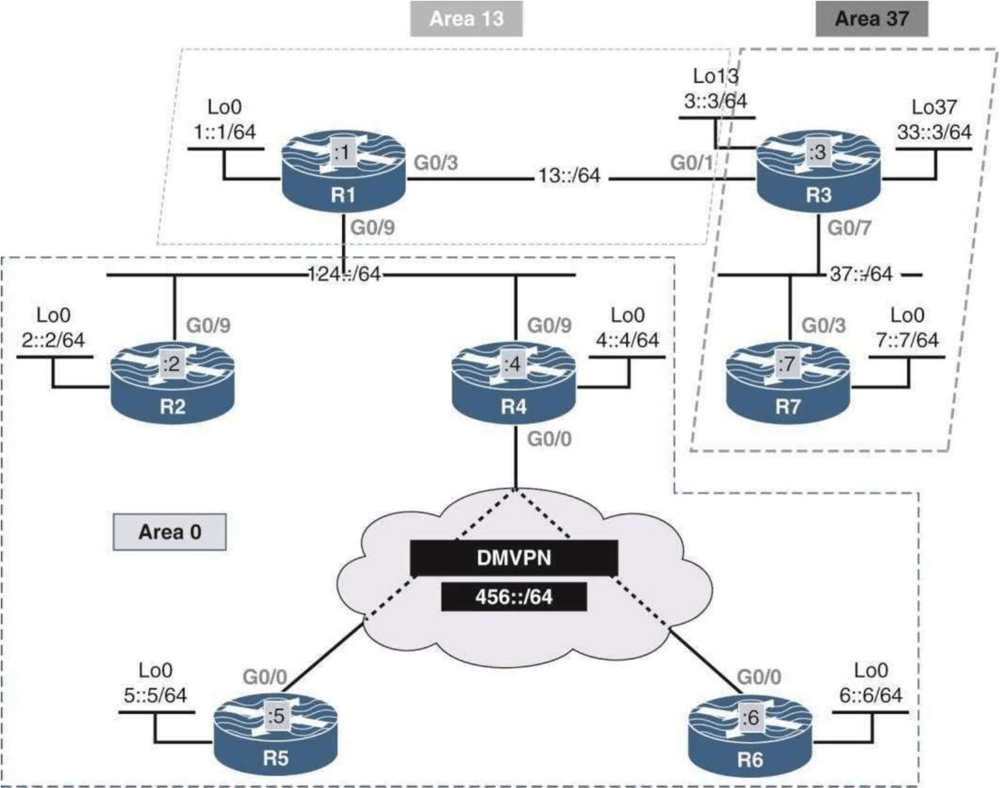
LSAs in OSPFv3

Read the LSDB, follow Type 8 and Type 9 LSAs, and inspect multi-area and virtual-link behavior.

LSDB • Type 8 • Type 9

11

AREA DESIGN

OSPFv3 Area Types

Compare normal, stub, totally stubby, and NSSA behavior, including default routes and redistribution boundaries.

Stub • Totally stubby • NSSA

12

SECURITY

OSPFv3 Authentication

Apply authentication at interface and area scope, then protect OSPFv3 exchanges with IPsec AH and ESP.

Authentication • AH • ESP

13

EIGRPV6

EIGRPv6

Configure adjacencies, redistribution, timers, bandwidth limits, authentication, hop-count controls, and route filtering.

Redistribution • Timers • Filtering

14

BGP

BGP Configuration

Build IPv6 and IPv4 BGP peerings, activate IPv6 address families, and advertise IPv6 NLRI across both transport types.

MP-BGP • Address family • IPv6 NLRI

Fourteen labs, one connected IPv6 path

Start with address acquisition, move through OSPFv3 behavior and design, then finish with EIGRPv6 and BGP. Return to any lab when you need focused practice.

HOW EACH LAB WORKS

A repeatable workflow, not a folder of random files

Each lab keeps the objective, topology, configuration work, verification steps, and working files together.

1

Open the workbook

Review the topology, objective, and behavior you need to prove.

2

Run the topology

Open the prepared EVE-NG lab and confirm the starting state.

3

Configure and verify

Complete the tasks and inspect the protocol and routing output.

4

Compare and rebuild

Use Save Config files, reset the lab, and repeat from the Blank Topology.

Read → Configure → Verify → Compare → Rebuild

FROM A NETWORK ENGINEER

What stood out inside IPv6 Mastery

Product-specific feedback from an engineer working through the package.

“I am working on the new IPv6 Mastery Labs at the moment. The workbook is excellent.”

William M.

CCIE, Germany

FIT CHECK

Is this right for you?

Use this quick check before you buy the lab package.

THIS IS FOR YOU

You want focused IPv6 practice.

THIS IS NOT FOR YOU

You need a different starting point.

14 LABS. ONE PAYMENT.

Keep the IPv6 practice system

Work through the sequence now, then return to a specific lab when you need to review an adjacency, route, LSA, or forwarding behavior.

IPv6 Mastery Labs

$39

USD One-time payment

Group
30-day money-back guarantee

30-Day "Practice Risk-Free" Money-Back Guarantee (If you don’t love it, I’ll refund every cent — no questions asked)

FAQ

Questions before you start

Check the format, platform, and expected experience before buying.

What exactly is included?

Fourteen guided IPv6 labs, matching workbooks, prepared EVE-NG lab files, Blank Topologies, Save Config files, verification steps, and lifetime access.

Is this a video course?

No. It is a hands-on lab package. You read the objective, configure the devices, inspect the output, and rebuild the scenario.

Who is this for?

Network engineers and certification candidates who understand basic routing and the Cisco CLI and want focused IPv6 practice.

What do I need to run the labs?

You need an EVE-NG environment capable of running the supplied lab devices. Ask support before buying if your setup is unusual.

Can I use my existing EVE-NG installation?

Yes. Import the supplied lab files and use compatible device images in your current EVE-NG environment.

Are there recurring payments?

No. The $97 price is a one-time payment and includes lifetime access to the files in the package.

Create My Free Account

I want FREE access to Dynamips training materials, workbooks, labs, and tools so I can take my networking skills to the next level.

Please check your email after signed up to set your password and activate your account.

By creating an account, you agree to our Terms and acknowledge our Privacy Policy. Account, access, security, and service-related emails may still be sent when necessary.

ALMOST COMPLETE... 70%

You're One Step Away
From 14 Guided IPv6 Labs

Enter your details to continue to checkout. The package includes step-by-step workbooks, ready-to-run topologies, Blank Topologies, Save Config files, and verification steps.