
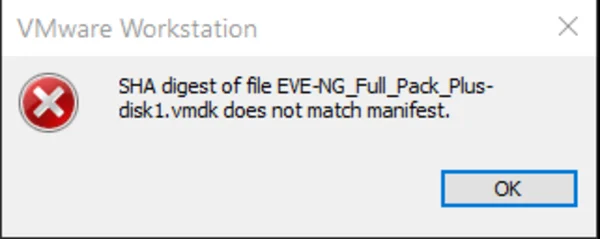
How to fix the SHA Digest of the file that doesn’t match the manifest, VMware workstation 16?

Learn how to manage SHA Digest issues when deploying Eve-ng. Tips for optimal disk drives and free space requirements.
  • First, try to upload the eve-ng full pack to another disk drive (SSD recommended) and not a USB external drive
  • Source drive where you deploy eve-ng VM should not be the same as Destination where the VM located
  • Make sure you have at least 150GB of free space (where you deploy OVF file)
  • extract downloaded part 1 and 2 with 7zip and try uploading again
  • delete .MF file and try upload again
  • You can fix this issue with VMware OVF Tool Have a look at this link or download the PDF format of the link

Create My Free Account

I want FREE access to Dynamips training materials, workbooks, labs, and tools so I can take my networking skills to the next level.

Please check your email after signed up to set your password and activate your account.

By creating an account, you agree to our Terms and acknowledge our Privacy Policy. Account, access, security, and service-related emails may still be sent when necessary.