Quick Links
OVA + Images + Scenarios + 2500-page Workbooks.
The EVE-NG CCIE Enterprise Lab is an outstanding resource for those looking to enhance their practical skills in SD-WAN and Cisco DNAC. It’s a comprehensive and practical networking training tool that is highly beneficial, especially if you’re preparing for international exams like the CCIE. This wonderful pack, which I had attempted to create on my own and struggled with a few times, is easy to deploy. I was thrilled to find this website as it offers a complete EVE-NG CCIE Enterprise Lab, ready for use in real-world environments.
By Alex S, US
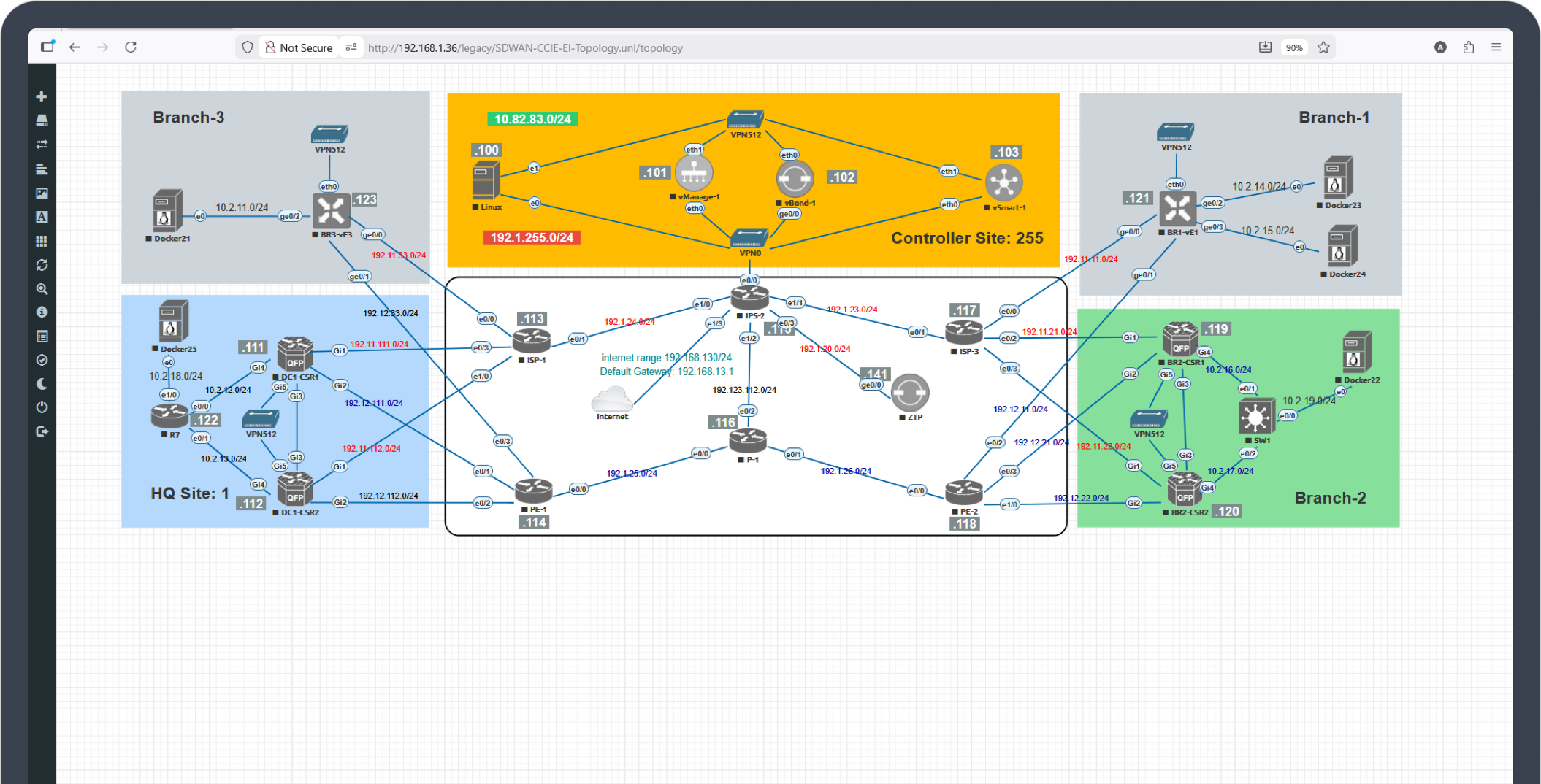
The four components that give you a complete, ready to run CCIE Enterprise lab.
Pre built EVE-NG OVA. Import once. boot the full lab. all networks and devices pre wired and ready.
Image Library. All Cisco Enterprise images pre installed and licensed. nothing to convert.
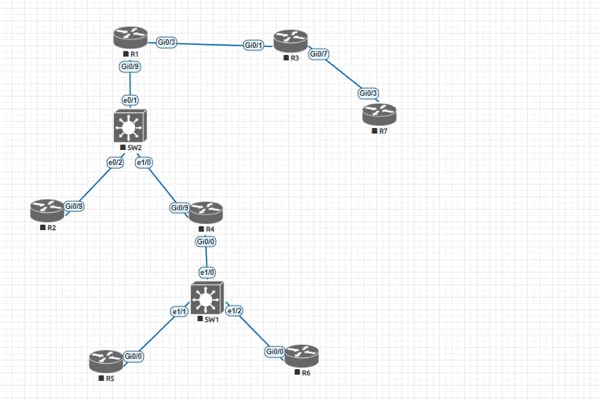
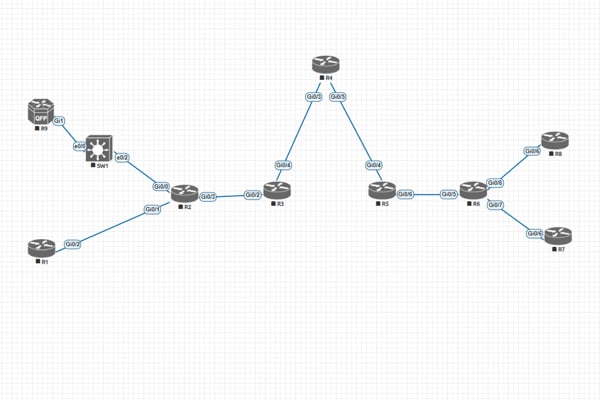
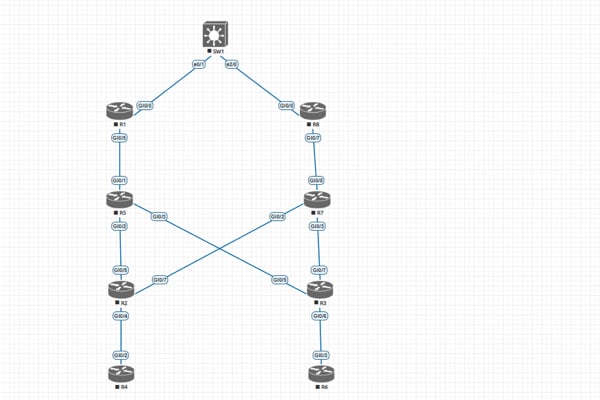
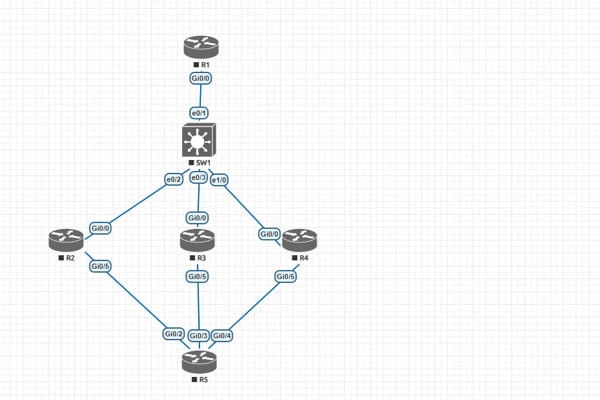
CCIE Enterprise Scenarios. Eleven ready to run scenarios mapped to real enterprise networks.
Step-by-Step Workbooks. Complete every CCIE task with zero confusion. 2500+ pages of step-by-step instructions.
Pre-built OVA. Start practicing in minutes. Not fixing errors.
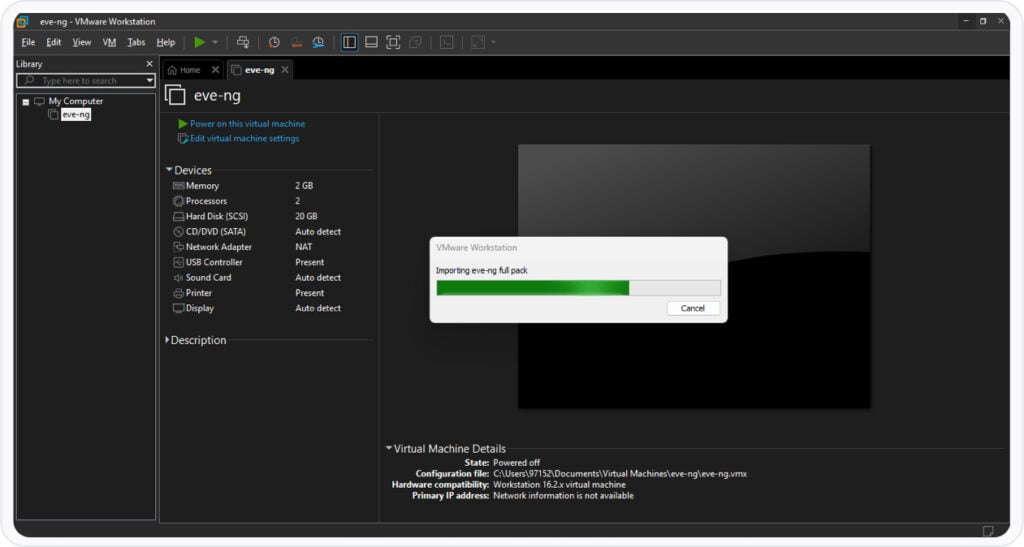
Import the OVA. boot the lab. start practicing. No installation. no file conversion. no troubleshooting.
Pre built OVA. Optimized . tested . and ready to run on first boot.
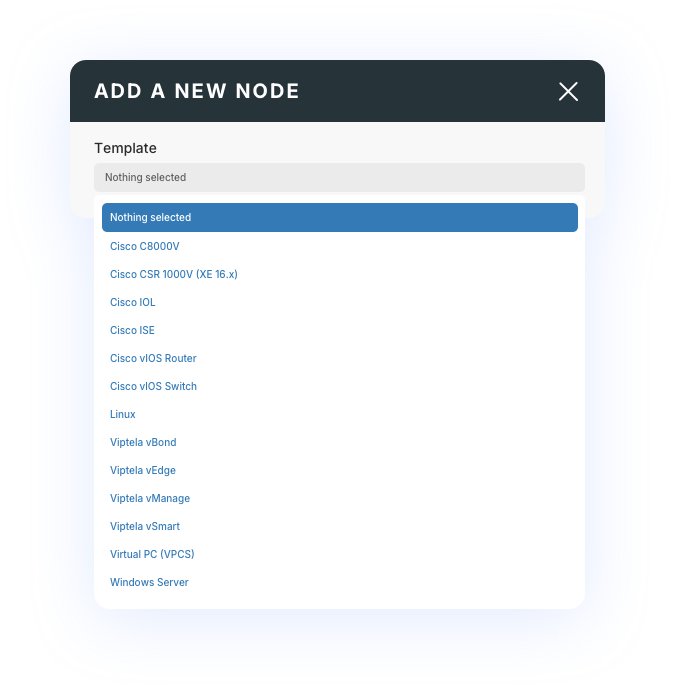
All images included. Routers . switches . wireless . DNA Center . ISE . clients ready to launch.
Networks pre mapped. No need to configure bridges . adapters . or connections.
Error free startup. No licensing issues . no missing dependencies . no broken topologies.
Real CCIE Scenarios Included in Your Pack
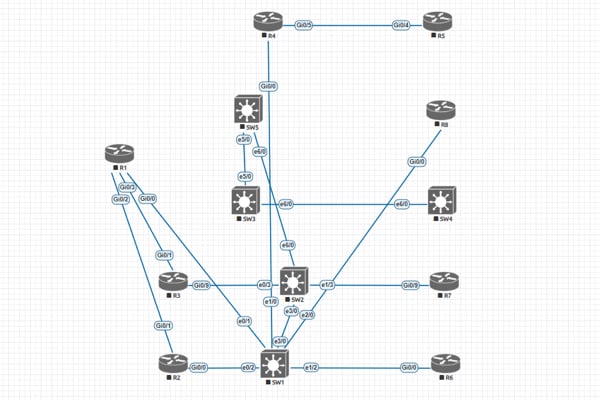
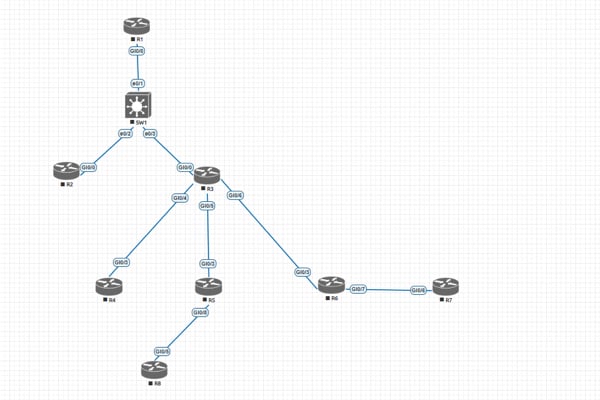
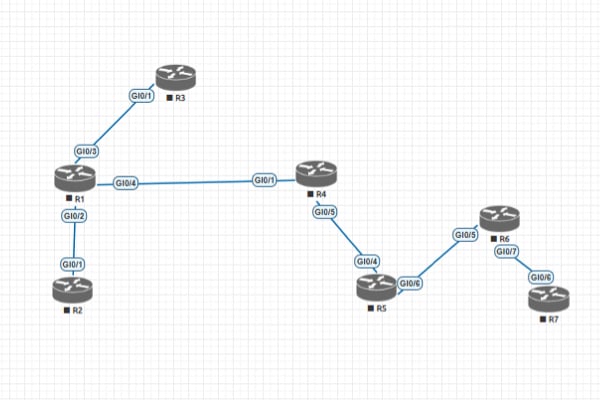
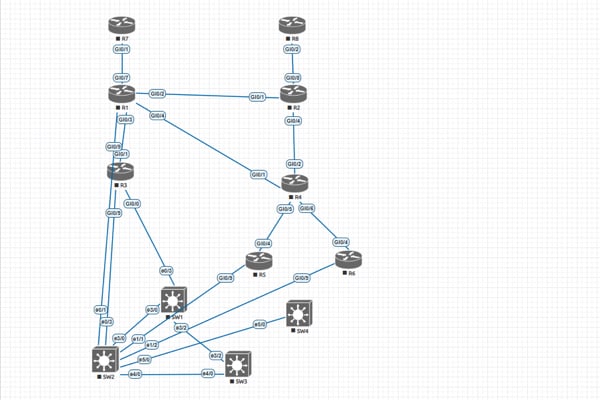
Eleven ready to run scenarios mapped to real enterprise networks.
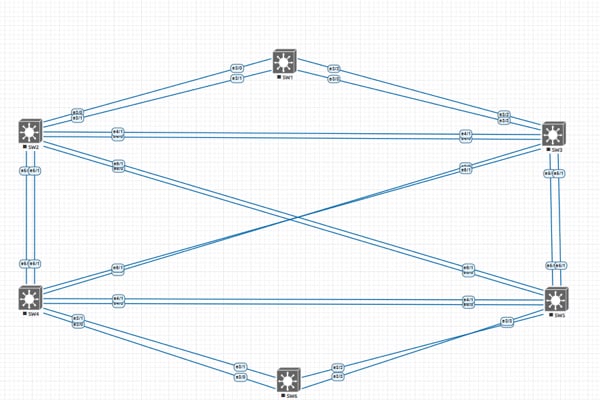
Enterprise switching tasks built for real campus design and troubleshooting.
Dynamic routing fundamentals ready to test baseline behavior.
Control routing with precise filtering scenarios used in enterprise deployments.
Advanced EIGRP design and multi topology labs.
Full area design . redistribution . authentication . and enterprise alignment.
Peerings . policies . attributes . and real world edge routing tasks.
Hub and spoke . dual hub . and failover scenarios fully pre built.
End to end provider style MPLS with VRFs and multi site connectivity.
Dual stack . transition mechanisms . and enterprise readiness tasks.
Core vManage workflows . templates . and control plane behaviors.
Campus fabric introduction with underlay and overlay fundamentals.
All Cisco images are pre-installed, licensed, and validated for v1.1 — so you can focus on command logic, not compatibility. Import once. Start practicing in minutes.
Included Images:
DNA Center: DNA Center 2.1.2.7 (needed to be installed as a VM)
Cisco Catalyst 8000V Routers : c8000v-17.10.01a
Cisco IOSv L2: viosl2adventerprisek9m.ssa.high_iron_2020 0929
Cisco IOSv L3: vios-adventerprisek9m.SPA.159-3.M6
Cisco IOL: L3_ADVENTERPRISEK9 _MS_15.5_2T.bin and L2_ADVENTERPRISEK9 _M_15.2_IRON.bin
Cisco Viptela SDWAN 20.10.1: vBond, vEdge, vManage and vSmart
Cisco ISE: ISE 3.1
Windows Server: Windows Server 2019
Cisco CSR 1000v: csr1000vnguniversalk9.17.03.05serial
Linux OS: linux ccie ei host vm
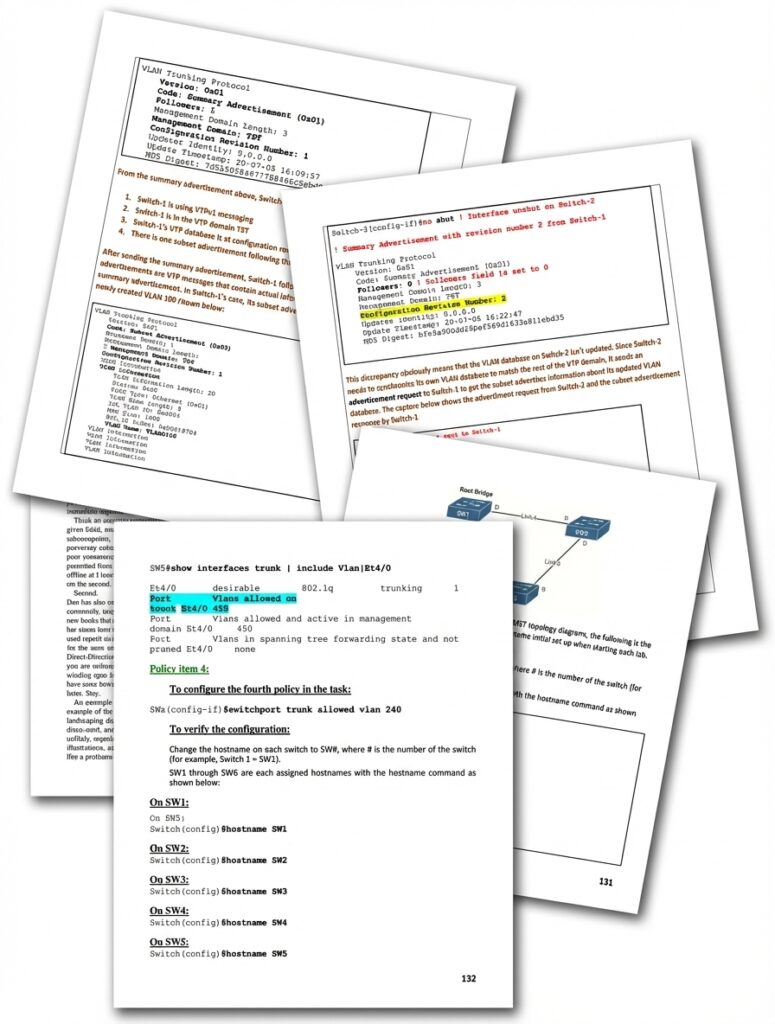
Clear Steps.Zero Confusion.Step by Step Workbooks.
2500+ pages of real. expert level. step by step practice built directly from enterprise topologies.
Clear tasks. Each scenario broken down into simple steps so you always know what to do next.
Command logic. See the reasoning behind every configuration . not just the command itself.
Validation checks. Expected outputs and verification commands to confirm your work.
Troubleshooting notes. Common pitfalls and fixes so you learn the right way to break and repair networks.
Three simple steps to start real CCIE Enterprise practice.
Get the pack and extract the folder. everything is already prepared for you.
Load the pre built OVA into VMware or ESXi. no setup. no conversion. no errors.
Open the topology and begin running scenarios immediately.
Test the CCIE Enterprise Pack. start the labs. run every scenario. If anything doesn’t work as promised. or if you simply feel it’s not the right fit. you’re protected with a full 30 day refund. No questions. no forms. no pressure.
Ali – Founder, Dynamips™
Answers to common issues so you can start practicing without friction
CCIE Enterprise Lab (OVA) and DNA Center ISO, which both needed to be installed as a VM in your system
Yes, all the images have a trial period and after expiration, you can simply remove the expired node and add it again. (can be replaced)
To run the CCIE Enterprise lab, you need 64 GB memory, 10 VCPU, and a 100 GB SSD disk, which can be installed on a VMware Workstation or an ESXi. To install Cisco DNA Center as a VM, you need an ESXi Server with 96 GB of Memory and 10 vCPU; these are the minimum resources.
NO, it’s optional, and in CCIE EI v1.1 Lab is designed to practice with/without the DNA Center Server.
This is included in most of the images from Cisco DNA Center, Cisco ISE, Cisco Viptela SD-WAN images, Cisco CSR 1000v, Cisco CSR 8000v, Windows Server, Linux Host VM, and IOSv images. It’s included with excellent four premade ready LABs. It has 16 ideal images for CCNP and CCIE Enterprise. Images for this product.
96 GB of Memory and 10 vCPU its a minimum resources.
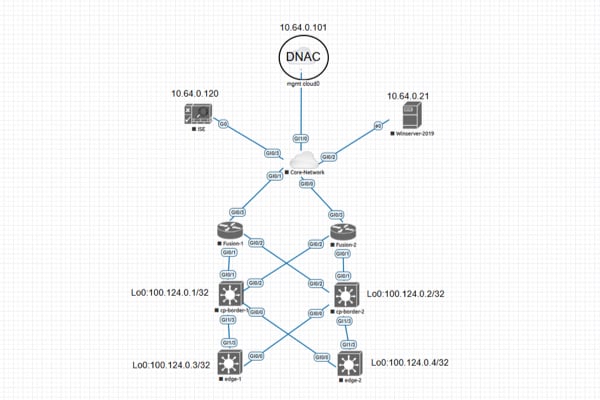
You need to install EVE-NG Enterprise (OVA) in your VMware Workstation Player/Pro or an ESXi. Then, you must install DNA Center as a VM in an ESXi server and connect the DNA Center server to your lab with the management network (cloud0) in eve-ng.
Yes, we just add images and labs sparing you the hassle of manual installation or lab creation.
No license is needed, and a 90-day trial is available to practice all features. After expiration, you can remove the expired DNA center VM and install it again to practice for 90 days.
Yes, You can practice CCIE Enterprise lab without needing the DNA Center server.
This is a video that shows you how to install Cisco DNA Center on a virtual machine using VMware ESXi (Click here). The video covers the installation process from downloading the Cisco DNA Center ISO image to completing the Quick Start workflow.
We highly encourage you to read the FAQs, product descriptions, and reviews before you buy. We only provide refunds when we cannot give you the services defined or Committed. If you have any technical problems with our EVE-NG Enterprise Pack, we will do our best to fix them ASAP. If we fail to fix the problem and cannot provide you with the requested service in the committed time frame (which is highly unlikely), a 100% refund will be made to you. If you have used more than Three days on the product, there are no refunds for non-service issues.
Still have questions
We will help you get to your first working lab today
A Summary Of The Licenses For Each Virtual Appliance
– DNA Center: 90-Day Trial License (it can be replaced/wiped)
– ISEv: 90-Day Trial License (it can be replaced/wiped)
– CSR1000v: Lab Edition Mode (No License) but still fully functional. Data Rate limited to 2.5Mbps
– Windows Server: Trial full access 120 Days
Note about CSR1000v Licenses:
– CSR1000v Routers are configured in fully functional Lab Edition Mode (No License)
– While in Lab Mode, they have a full AX License with IPBase + APPX + Security functions
– The Data Rate in Lab Mode is limited to 2.5Mbps, which is enough for a Lab environment.
For CCIE Enterprise, the complete list of nodes can be found at this URL: